1
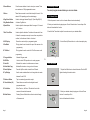
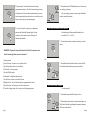
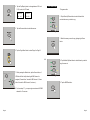
4-2.6 Bank Copy
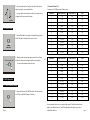
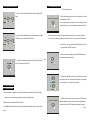
7. Tap the MIDI/Rec button again , all LEDs will flash three
times briefly indicating the new step has been inserted into this
1. Program enable.
chase.
2. Tap the Bank Up/Down button to select the bank you wish to
copy.
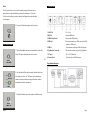
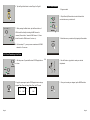
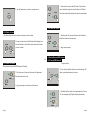
4-3.3 Delete a Step
1. Program enable.
2. Select the chase that contains the step you wish to delete.
3. Tap the MIDI/Rec button.
3. Tap the Tap/Display button, the LCD shows the current step.
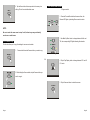
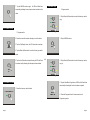
4. Tap the Bank Up/Down button to scroll to the step you wish to
delete.
5. Tap the Auto/Del button to delete the step, all LEDs will flash
three times briefly indicating that the step has been deleted.
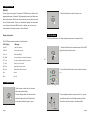
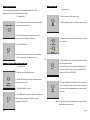
4-3.4 Delete a Chase
16B
4. Tap the Bank Up/Down button to select the bank you wish to
copy to.
5. Tap the Music/Bank Copy button, all LEDs will will flash three
times briefly indicating the function has been completed.
1. Select the chase you wish to delete.
6. Press the Program button for three seconds to exit
Programming mode.
Page 17
Page 14