1
SPECTRALIS 2
Creating triggergroups - multiple analog synth parts
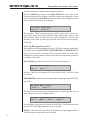
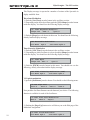
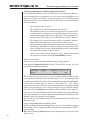
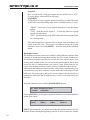
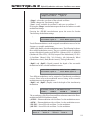
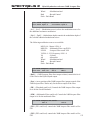
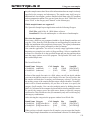
Group:
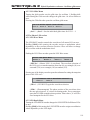
Divide the section further into logical subgroups. For instance you will
find the groups VCO1-VCO-4 in the AVCO section.
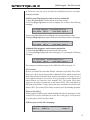
Parameter:
The place to select the target parameter. The selection flashes until you
have pushed the parameter-rotary controller. Only then the line has been
assigned to the parameter.
3.6.1 Special features for MIDI targets
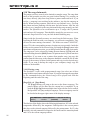
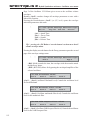
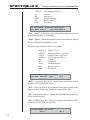
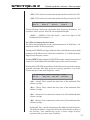
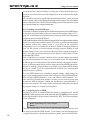
We already have listed some of the possible MIDI targets such as MIDI Controller,
Notes and Aftertouch. The selection of these targets will require more detailed
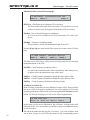
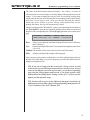
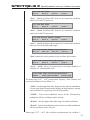
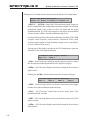
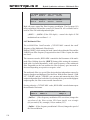
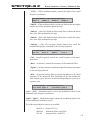
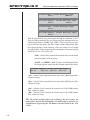
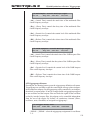
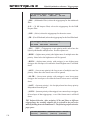
specification. When you confirm the selection of MIDI controllers, MIDI notes or
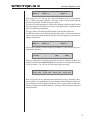
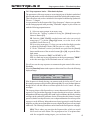
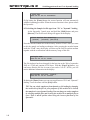
aftertouch with the control button, it will prompt an additional menu-page on which
you can enter the MIDI channel number for the three potential targets and in case
you have selected the MIDI controller also the MIDI controller number. You’re sure
to find information about the use of MIDI controllers in the MIDI implementation of
any connected sound generator or the selected soft synth. Most of the important
sound parameters of modern synthesizers can be controlled via simple MIDI
controllers. The Spectralis is likely to tease brand-new patterns out of your existing
arsenal of instruments. When editing a MIDI sequence line the MIDI messages of
the connected MIDI keyboard won’t be transmitted to the Hybrid Synth but to the
selected MIDI instrument. This allows you to hear immediately how the sequencerline will sound on the selected MIDI channel.
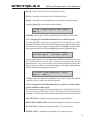
Tip: Please make sure when editing a sequencer line that the used
controllers don’t mute your instrument. For instance if you are setting
the step values of a line to 0 and transmit the line to controller 7 the
synth in all likelihood will remain quiet – the Spectralis doesn’t send
default values for the MIDI controllers used after the end of such a
sequence. After all, the Spectralis has no way of knowing.
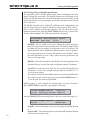
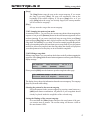
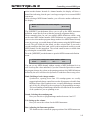
3.7 Creating triggergroups - multiple analog synth parts
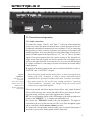
In this chapter we will explain how you can use the Hybrid Synth sound
generation to play multiple sounds. Assuming you paid attention to the previous
chapter you will already know about the extensive routing capabilities inside
the Spectralis’ hybrid synth sound-engine. Of course you will use sounds once
in a while which are only using one or two oscillators. Considering the
Spectralis’ sonic power it would be nice if the unused sound components could
be used to play back multiple Hybrid Synth sounds at once. The Spectralis
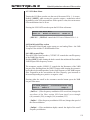
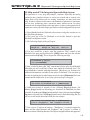
offers that possibility. In so-called “trigger groups” you can determine which
envelopes and oscillators are assigned to which of the trigger groups. You can
set up a maximum of three trigger groups in the Spectralis which will allow
you to play three different sounds simultaneously or play them back via the
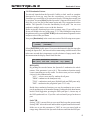
built in sequencer. The one thing being determined in the trigger groups is
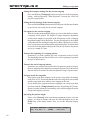
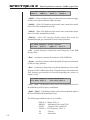
which envelope is being assigned to each trigger group. From here in a trigger
group can be played as a Part. The long and short of it is that now you don’t
have just one single analog Part available – as in the original release version of
the Spectralis - but a total of 3 analog Parts with numbers 12, 13, 14
75