1
Showing Content-Filtered Samples
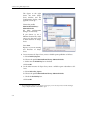
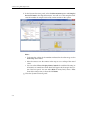
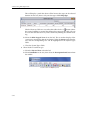
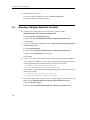
4. Show the content filter expression
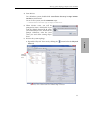
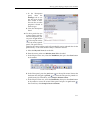
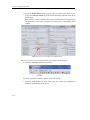
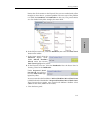
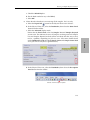
a. In the Physical View tree, select the DataReader, then select the Description
Panel button from the toolbar.
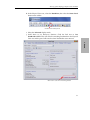
Create a new Description panel
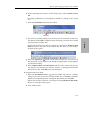
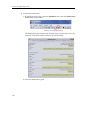
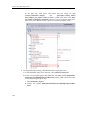
b. Select the Builtin Topic Data tab in the Description Panel.
3. Demo
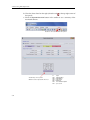
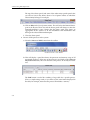
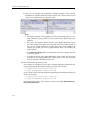
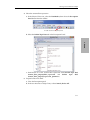
c. Scroll down to see the content filter expression under builtin topic data/
content_filter_property/filter_expression
and
builtin
topic
data/
content_filter_property/expression_parameters.
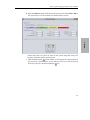
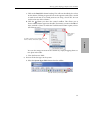
5. Prepare for the next demo:
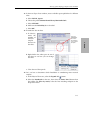
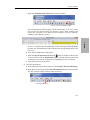
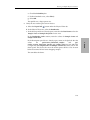
a. Close the Description panel.
b. In the two instances of Shapes Demo, select Controls, Delete All.
3-17