1
Chapter 6: Test selection
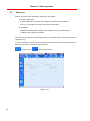
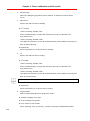
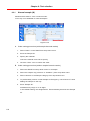
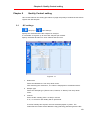
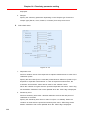
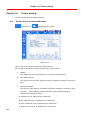
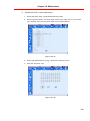
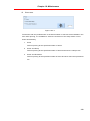
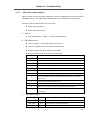
C. Order setting procedure (in the On Line Batch mode without the Sample
barcode reader)
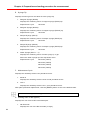
1.
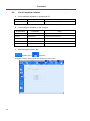
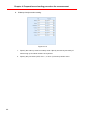
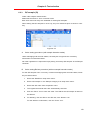
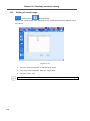
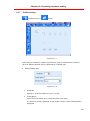
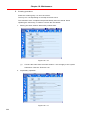
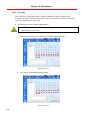
Select the Start # from drop-down menu.
2.
Enter “Sample ID”.
3.
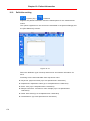
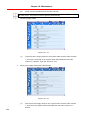
Click the [Acquire orders] button.
The order information including the methods can be downloaded from host
connection.
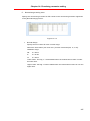
4.
138
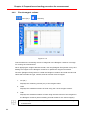
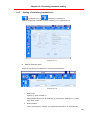
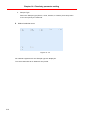
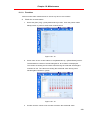
Click the “Save” icon to confirm the order.