1
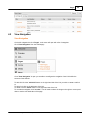
Add
44
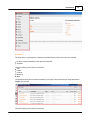
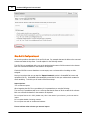
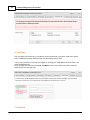
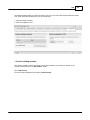
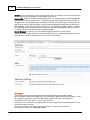
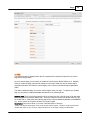
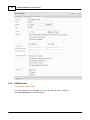
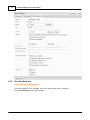
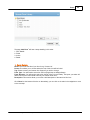
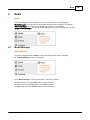
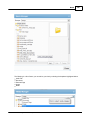
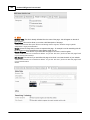
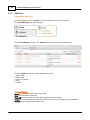
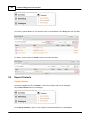
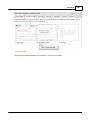
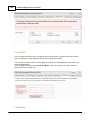
The following area provides you with instructions of how you can select the recipients that will receive
your email. There are two options for you to choose from:
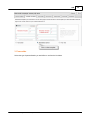
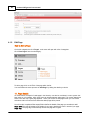
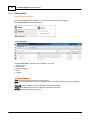
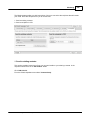
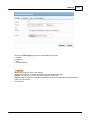
1. Send to existing contacts
2. Send to recipients in CSV
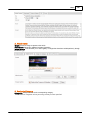
1. Send to existing contacts:
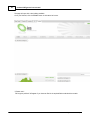
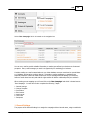
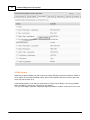
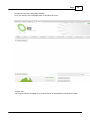
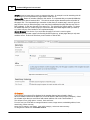
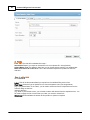
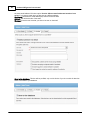
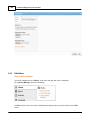
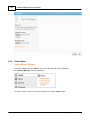
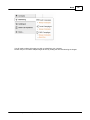
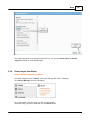
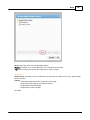
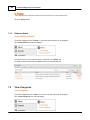
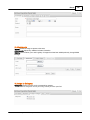
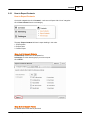
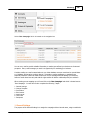
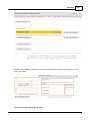
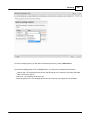
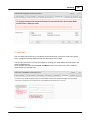
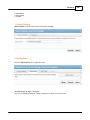
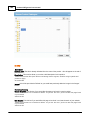
This section provides instructions of how you can send emails to your existing contacts. In the
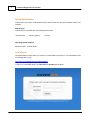
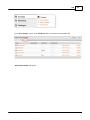
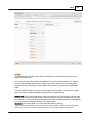
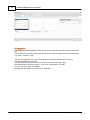
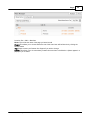
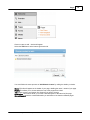
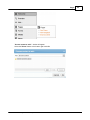
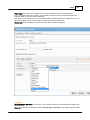
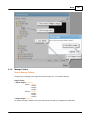
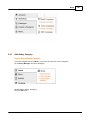
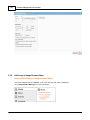
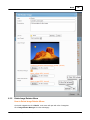
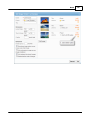
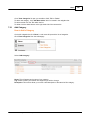
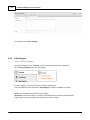
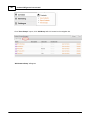
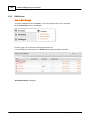
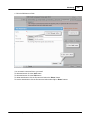
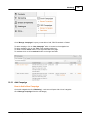
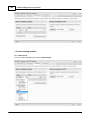
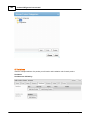
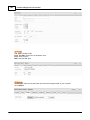
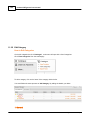
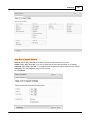
recipients section there is an 'Add Criteria' button.
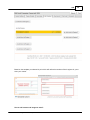
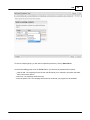
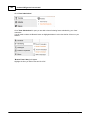
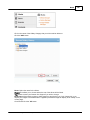
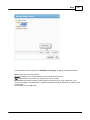
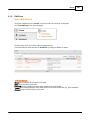
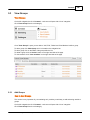
Click 'Add Criteria'.
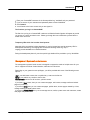
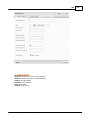
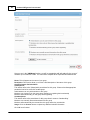
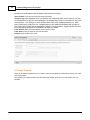
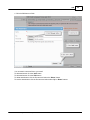
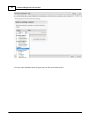
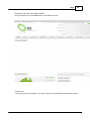
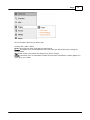
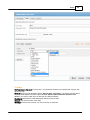
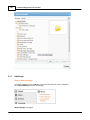
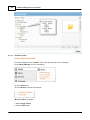
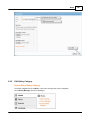
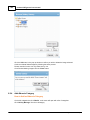
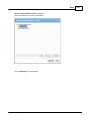
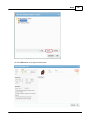
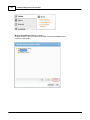
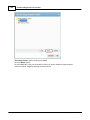
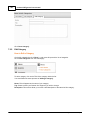
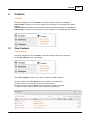
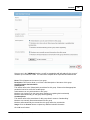
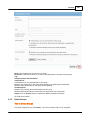
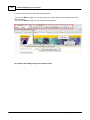
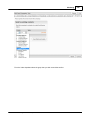
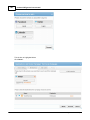
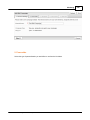
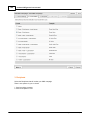
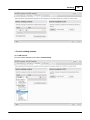
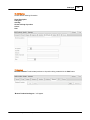
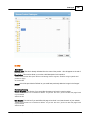
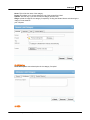
From the Criteria dropdown menu select 'Contact Group'.
© 2014 WorldWeb Management Services Pty Ltd