1
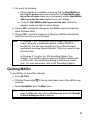
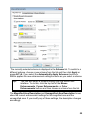
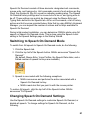
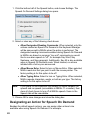
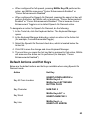
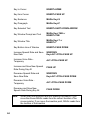
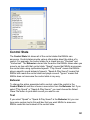
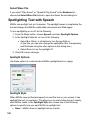
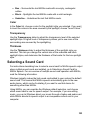
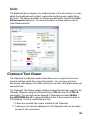
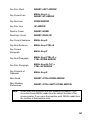
To open the Clipboard Text Viewer and view all text currently on the clipboard,
press MAGic Key+SPACEBAR, followed by C. You can then select and copy
specific blocks of text displayed in the viewer and paste it in other applications.
When you close the viewer, the current content is deleted. Also, the Clipboard
content is overwritten with new text when you use the Windows Copy or Cut
commands. A message displays indicating that the current text in the viewer
will be overwritten.
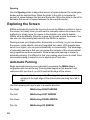
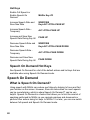
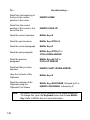
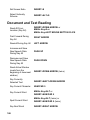
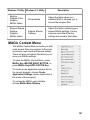
MAGic Clipboard Commands
Open or Refresh Clipboard
Text Viewer
MAGic Key+SPACEBAR, followed by C
Append to Clipboard
MAGic Key+WINDOWS Key+C
Say Contents of Clipboard
MAGic Key+X
160