1
Project Management
Adding Other Devices
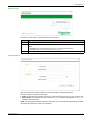
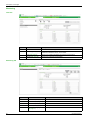
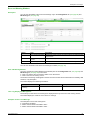
Ecoreach allows you to add and configure the third party devices also.
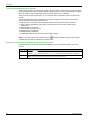
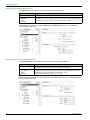
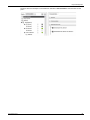
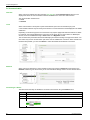
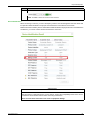
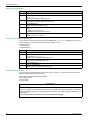
The table shows the steps to add other devices:
64
Step
Action
1
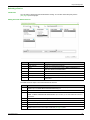
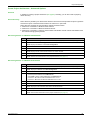
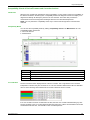
Click the Device button in the left pane of the Configuration tab (see page 48).
Result: Opens the Select Device Characteristics dialog box.
2
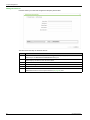
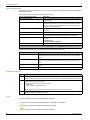
Click Other Devices.
Result: Displays the fields to enter the device details.
3
Enter the device details.
4
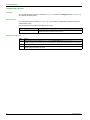
Enter the Quantity.
5
Modify the device name if needed.
6
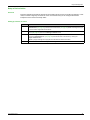
Click Ok.
Result: Adds the device in the Project Architecture (see page 61) area.
DOCA0069EN 09/2014