1
RTA Settings (continued)
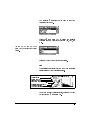
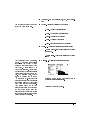
RT60 dB Down
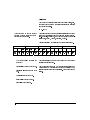
The automatic RT60 algorithm will search for a point 5 dB
down from the peak and then calculate an RT60 between
that point and the next point, “RT60 dB Down”, from the 5
dB point.
NOTE: If “RT60 dB Down” is set to 30 dB, the RT60 will be calculated for the data between 3 and 35 dB down from the max.
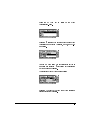
•
•
•
•
5 dB
10 dB
20 dB
30 dB
Note
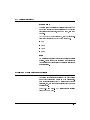
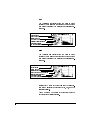
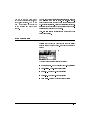
An 8 character note field is provided to annotate a spatial
average. This is useful when describing the measurement
you are taking and keeping track of different measurements
or their location.
RT60-A and RT60-B Instrument Definition
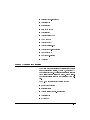
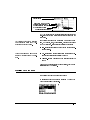
The System 824 contains two special RTA IDs on the setup
menu which will simplify making an RT60 measurement.
Both of these setups load the RTA instrument but with the
triggering, arm, and end menus configured for two types of
measurements.
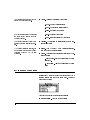
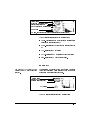
The RT60-A and RT60-B RTA instruments are accessed
from the S SETUP key.
7/7/99
Introduction to 824 RTA; Setup Menu
1-15