1
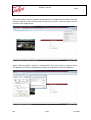
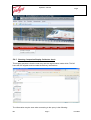
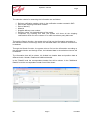
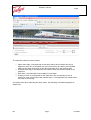
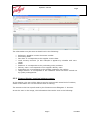
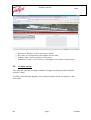
Operation manual Logo 1. Explorer setting for the portal access. 1.1. Certificates installation. In order to access to the supplier portal, the user-supplier will have two files, as the certificates copying assistant and the certificate itself, which will have to be executed. This way a safe communication and confidential on your details will be established. The shortcuts are shown as follows: C A_Talg o.p7b SAPTALMM -‐ P ortal P roveedores.pfx Depending on the browser used in order to access the portal, additional instructions for the certificate proper installation may be required. Check your browser instructions regarding this question. The web access will be given by the link detailed below: Access to the productive system. https://suppliers.talgo.com Access to the pre productive system. https://suppliers.talgo.com:1443 Once the link has been introduced, we'll be asked to choose the certificate as it's shown in the following figure. Ref. Page3 Print Date