1
Saving a Preset
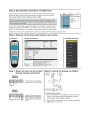
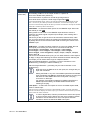
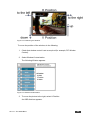
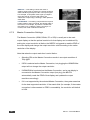
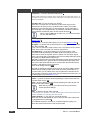
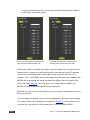
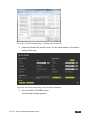
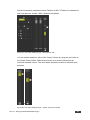
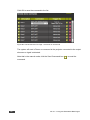
To save a preset click the pin preset icon. Save Preset window appears. Click an
empty (gray) preset (12 in this example).
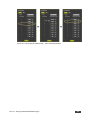
Figure 53: The Routing & Scaling Page – Selecting a Preset
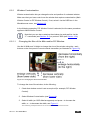
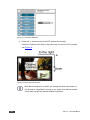
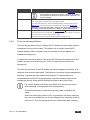
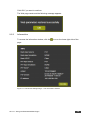
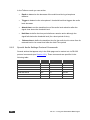
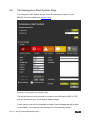
Preset 12 is being saved:
Figure 54: The Routing & Scaling Page – Saving the selected Preset
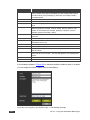
Note that all the parameters of the scaler are saved to the preset except
for the blank and freeze effects.
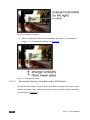
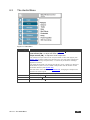
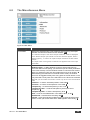
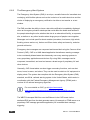
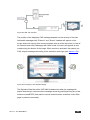
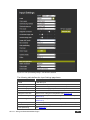
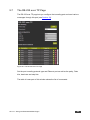
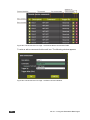
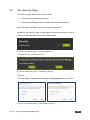
To recall a preset click the Preset recall icon:
Figure 55: The Routing & Scaling Page – Recalling a Preset
VP-771 - Using the Embedded Web Pages
71