1
7) Support
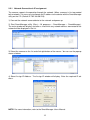
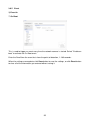
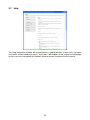
The support page provides valuable information on troubleshooting and contact information,
should you require technical assistance.
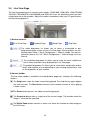
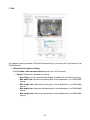
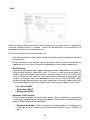
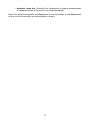
• Logs: The network camera supports system and event log information. Click the System Log button to get the system log data or the Event Log button to get information
on events.
• Reports:
– Server Report: Click the Server Report button to get the important information
about the servers status; this should always be included when requesting support.
– Parameter List: Click the Parameter List button to see the units parameters and
their current settings.
• Health Check:
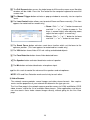
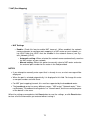
– System Check: Click the System Check button to get the important information
about the cameras system resources. You can see the pop-up window below.
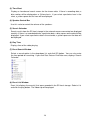
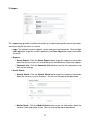
– Media Check: Click the Media Check button to get the information about the
cameras video and audio stream. You can see the pop-up window below.
77