1
3
3-7
Starting up and logging in
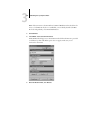
Access levels
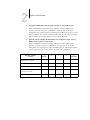
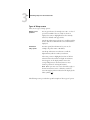
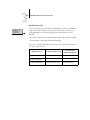
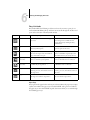
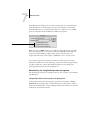
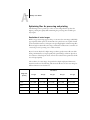
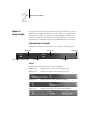
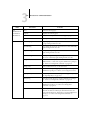
The three possible levels of access to Command WorkStation functions are
Administrator, Operator, and Guest. To enable maximum password protection,
Administrator and Operator passwords must be specified in Setup (see the
Configuration Guide).
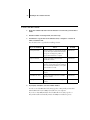
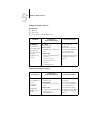
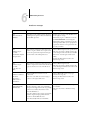
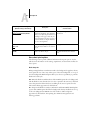
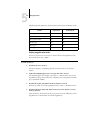
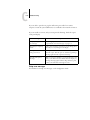
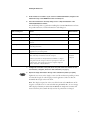
When both Administrator and Operator passwords have been specified, the access
levels are as follows:
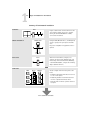
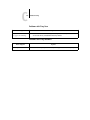
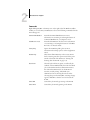
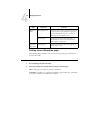
Access level
Privileges and password requirements
Administrator
Has full access to all Command WorkStation and E-810 Control Panel
functions; Administrator password required.
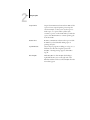
Operator
Has access to all Command WorkStation functions except Setup,
calibration, clearing the server disk, clearing the Job Log, and font
management; Operator password required.
Guest
Can view job status, but cannot make changes to jobs or Setup, and can
view the Queues window only; no password required.
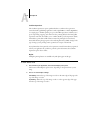
N OTE : Access privileges alone do not confer control of print jobs. If the operator is
going to manage all print jobs, the Administrator must route all user jobs to the Hold
queue (that is, all jobs are spooled and held on the server). To accomplish this, only the
Hold queue, and not the Direct connection or the Print queue, should be enabled in
Setup. For more information, see the Configuration Guide.
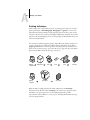
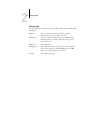
Logging out
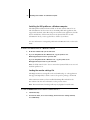
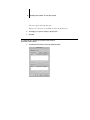
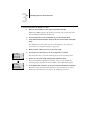
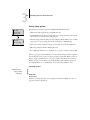
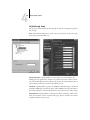
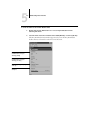
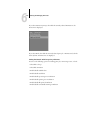
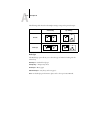
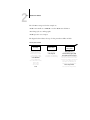
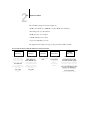
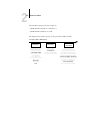
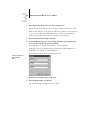
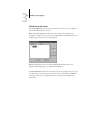
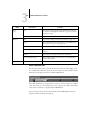
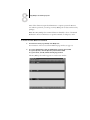
Log out from the server in one of the following ways:
• From the Server menu, choose Log out.
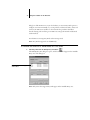
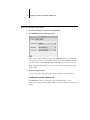
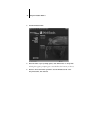
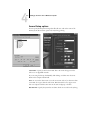
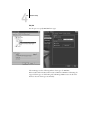
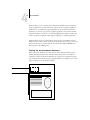
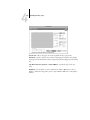
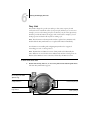
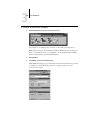
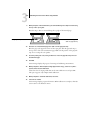
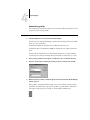
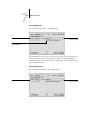
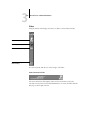
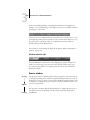
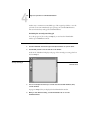
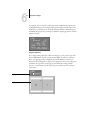
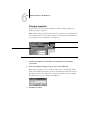
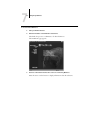
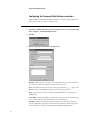
• Open the Log in/out slider (click the key icon just below the Fiery logo) and
click Log out.