1
Image Frame Wrok User Manual
Software Installation
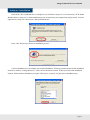
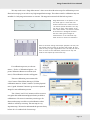
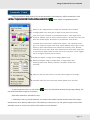
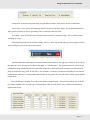
Insert IFW CD to CD-ROM Drive, in Explorer you will found “setup.exe” in root directory of CD-ROM.
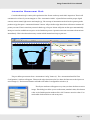
Doulbe click on “setup.exe” to start installation process. In case that your computer has a right control. You can
right click on “setup.exe” then choose “Run as administrator”.
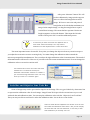
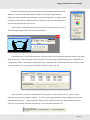
Press “OK” button to go the less of installation process.
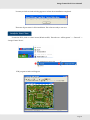
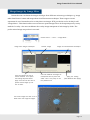
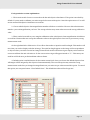
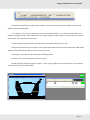
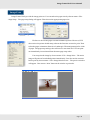
Click on installation icon (Computer icon) to start installation. This step you also can choose the installation
location by click on “Change Directory”. Then, choose the desire location. If after you choose the installation
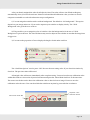
location. Please click on installation icon again. Then press “Continue” for pass to next installation step.
Page 3