1
iwTrader User Manual(2014) - Internet Stock Trading
1. Introduction
The iwTrader program is a comprehensive all-in-one trading tool which enables a user
to view real-time stock information; place, cancel, and change orders; monitor order
status; check the account balance.
1.1 User login
a.
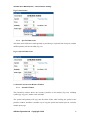
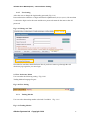
Open up Internet Explorer,the Login window will pop up(Fig.1)
。
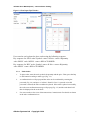
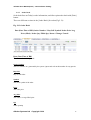
b. For first time login, user will need to change password to desired password which consist of
8-12 digits alphanumeric (Fig 1.1). Once password is changed, a pop up box will show up
to inform user password is changed successfully. Click on <Confirm> button to go to
Disclaimer page.
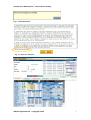
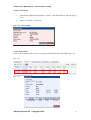
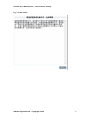
c. If correct user name and password is typed, risk disclaimer (Fig. 1.2) will show up. Click
on “Agree” to continue, or “disagree” to exit. User can check the “Do not show risk
discloser” box so that user will not need to go through this page again for future logins.
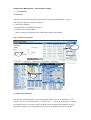
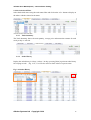
d. After the successful login, the All-in-one Interface will start up itself (Fig.1.3)
Fig. 1 Login Window
Fig 1.1
eBroker Systems Ltd Copyright 2014
3