1
8.3 Andriod Mobile
1) Install the program
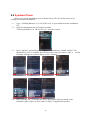
1 Copy the software “VS500 (Android)V1.00.0.apk” to your Android phone or copy to SD
card.
1.2 Open your “ES File Explore” in android phone and find the
[VS500(Android)V1.00.0.apk] file in your android phone memory or SD card. Click
[VS500(Android)V1.00.0.apk] to install software.
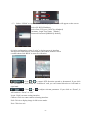
2). Start vs500 software
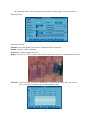
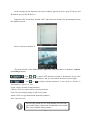
VS500 provide video surveillance, channel switch, full screen magnify, PTZ control, focus and
exit function.
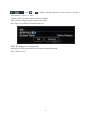
2 System main interface
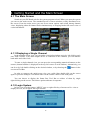
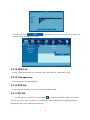
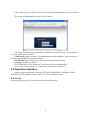
After the installation, press “VS500” icon in the application to enter login interface.
68