1
Chapter 3: Multi-Platform Client and Raritan Remote Client
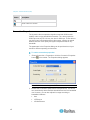
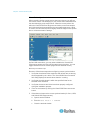
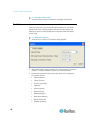
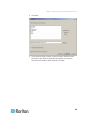
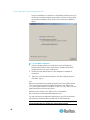
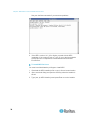
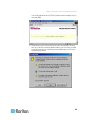
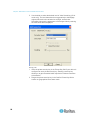
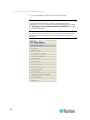
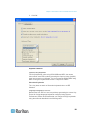
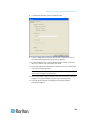
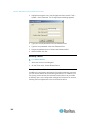
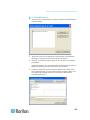
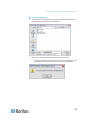
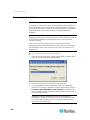
b. If the import fails, an error dialog will open and will display a
message regarding why the import failed. Select OK to continue
the import without importing the macros that cannot be imported.
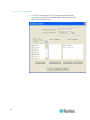
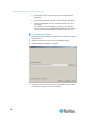
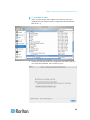
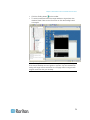
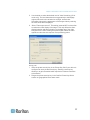
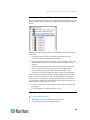
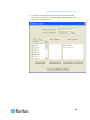
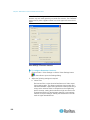
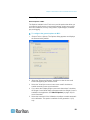
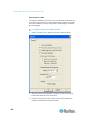
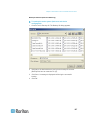
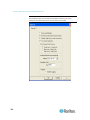
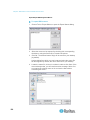
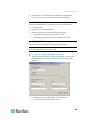
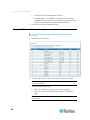
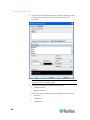
3. Select the macros to be imported by checking their corresponding
checkbox or using the Select All or Unselect All options.
4. Click OK and the import will begin.
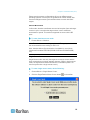
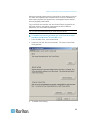
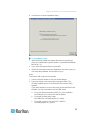
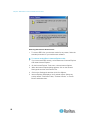
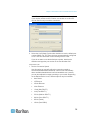
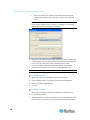
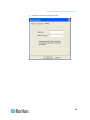
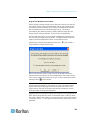
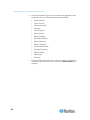
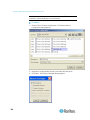
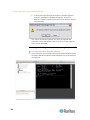
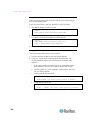
a. If a duplicate macro is found, a dialog will appear. Do one of the
following:
138