1
SECTION 6 PERFORMANCE TESTS
6.3.14.4 Procedure
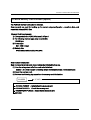
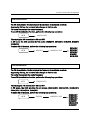
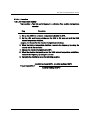
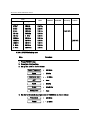
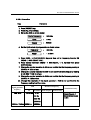
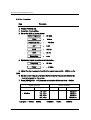
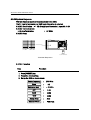
6.3.14.4.1 Power meter calibration
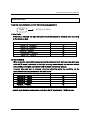
Step
1.
2.
3.
4.
5.
Procedure
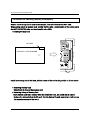
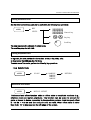
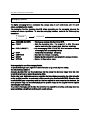
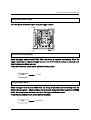
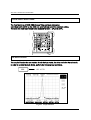
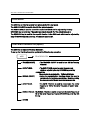
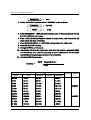
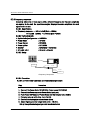
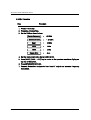
Connect the Power Meter [HP437B] to Power sensor [ HP8481A].
Connect the Power sensor to Power Meter input port.
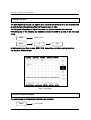
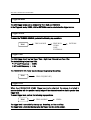
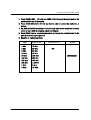
Push Power REF button of Power Meter and then display value 0 dBm.
If display value is not 0 dBm , turn Cal ADJ.
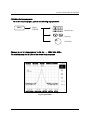
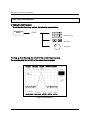
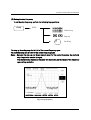
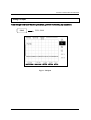
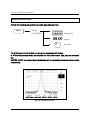
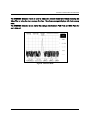
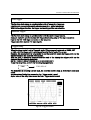
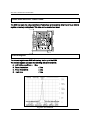
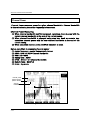
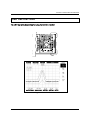
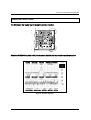
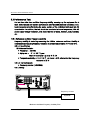
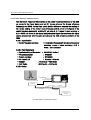
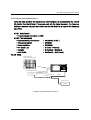
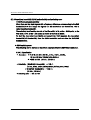
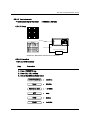
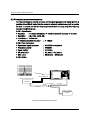
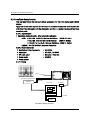
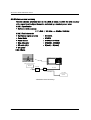
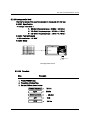
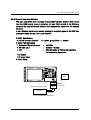
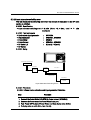
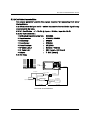
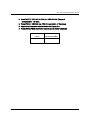
Set up synthesized signal generators as shown on previous page.
Synthesized signal generator 1
Frequency
: 1100.050 MHz
Power
: -20 dBm
Synthesized signal generator 2
Frequency
: 1100.000 MHz
Power
: -20 dBm
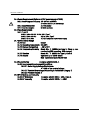
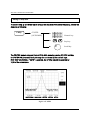
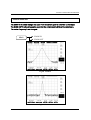
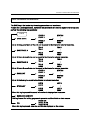
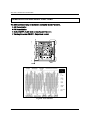
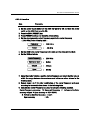
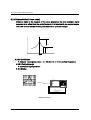
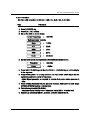
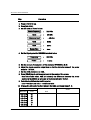
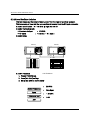
6.3.14.4.2 Measurement of 3rd Order Intermodulation
Step
Procedure
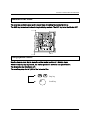
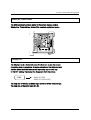
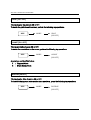
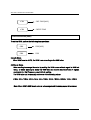
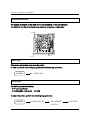
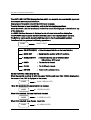
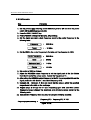
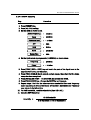
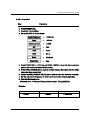
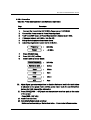
1. Press [ PRESET] key .
2. Press [ALL CAL] softkey.
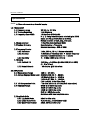
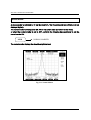
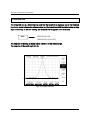
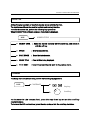
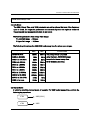
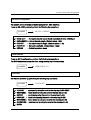
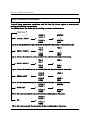
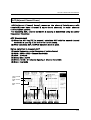
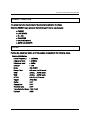
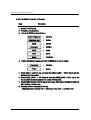
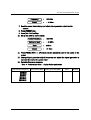
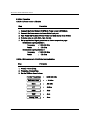
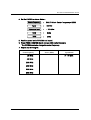
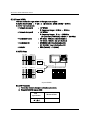
3. Set the 2398 as shown below :
6-44
Center frequency
:
1100.025 MHz
Reference level
:
-10 dBm
Span
:
500 kHz
ATT
:
0 dBm
RBW
:
Auto
VBW
:
Auto
Sweep Time
:
Auto