1
Software Installation and Uninstall
1. Install:
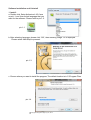
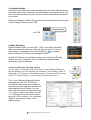
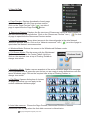
a. Double click Setup Activetouch V3.0.exe
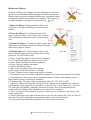
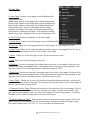
as pic1-1 and then select language that you
want for the software. Please refer to pic 1-2.
pic 1-1
pic 1-2
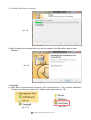
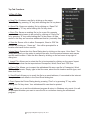
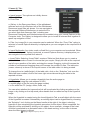
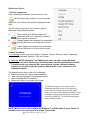
b. After selecting language, please click “OK”, then following image 1-3 is displayed.
Please select Next Step to proceed.
pic 1-3
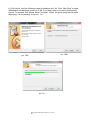
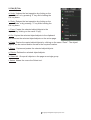
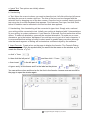
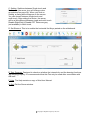
c. Choose where you want to install the program, The default location is in C:\Program Files.
pic 1-4
Copyright A Brighter Image Pty Ltd, 2013