1
Web School Office . 251
Home > Web School Office > Administrative Utilities > Control Center > Parent Connect - Office Tasks
Parent Connect - Office Tasks
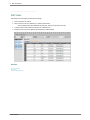
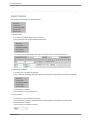
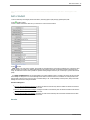
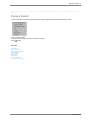
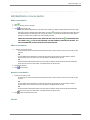
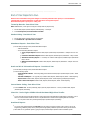
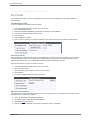
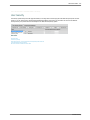
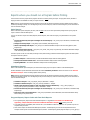
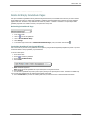
Create Passwords for New Students
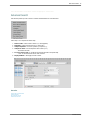
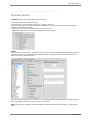
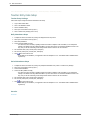
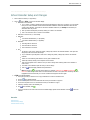
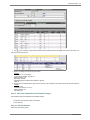
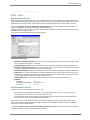
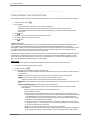
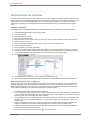
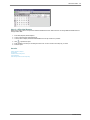
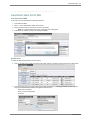
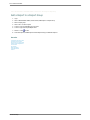
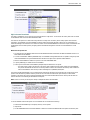
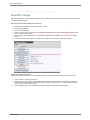
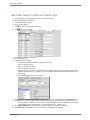
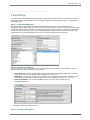
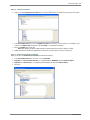
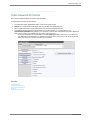
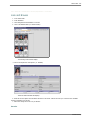
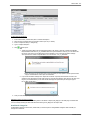
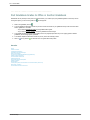
1. Login Web School Office.
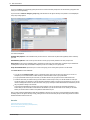
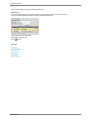
2. Click on Administrative Utilities |Control Center |Parent Connect.
3. Select a School Location.
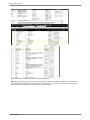
4. Select either Students With No Passwords or Reset Passwords for All Students.
5. Click Create Passwords for New Students.
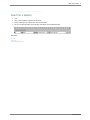
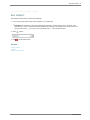
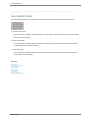
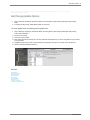
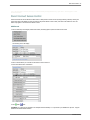
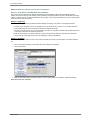
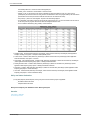
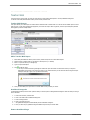
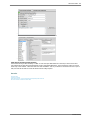
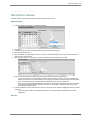
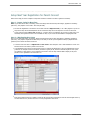
Report Area Adjustments
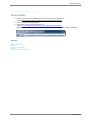
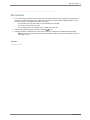
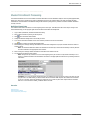
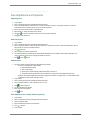
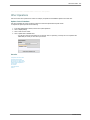
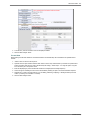
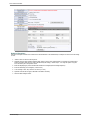
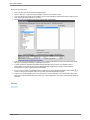
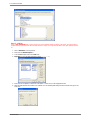
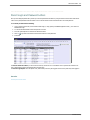
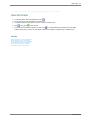
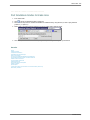
1. Login Web School Office.
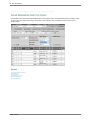
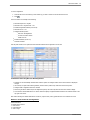
2. Click on Administrative Utilities |Control Center |Parent Connect.
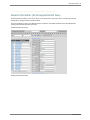
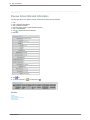
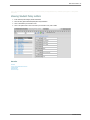
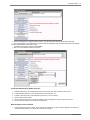
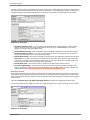
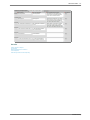
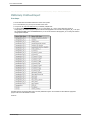
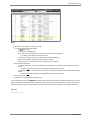
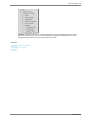
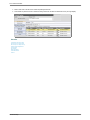
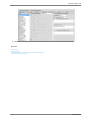
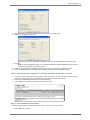
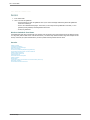
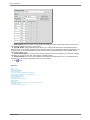
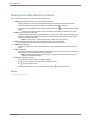
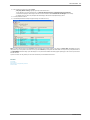
3. Under Parent Connect Reports select the areas you WOULD like parents to see and click
to save.
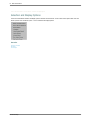
See also
Lock/Unlock Users Out of SDS
Document Control Center
Add a Report to a Report Group
Student System Adjustments
Teacher Web
File Transfer
Other Operations
Useful Information
Toolbox
SDSStudentHelp