1
Intel® Education
Theft Deterrent server User Manual
Revision 1
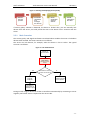
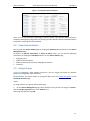
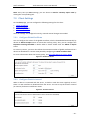
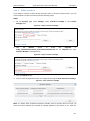
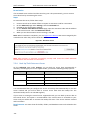
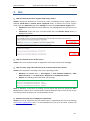
Figure 34 – Input Destination server name and URL
Note: You can overwrite transfer-out package for an existing destination server by
selecting the Existing Server button in case of Public Key of the server was updated.
5.
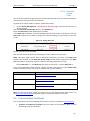
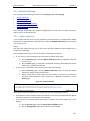
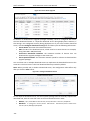
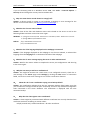
You can view all imported transfer-out packages by clicking the View Transfer-out
Package.
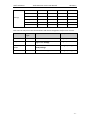
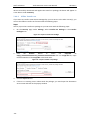
Figure 35 – View Transfer-out Package
Note: You can click the Destination Server Name and Destination Server URL to change
settings according to the destination server you choose.
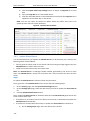
Secondly, select the devices you want to transfer out and complete the transfer process with
the following steps:
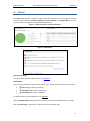
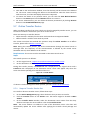
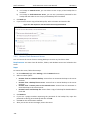
1. On the Device Management page under Inventory, select the devices you want to
transfer out and click the Transfer button.
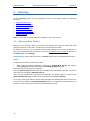
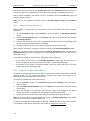
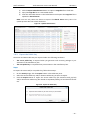
2. On the pop-up window, select Offline Transfer if your server is Central Server Supported
mode. Then select the destination server name and URL, and click Transfer button.
- 31 -