1
BatchMaster Software Inc.
8.16.1
BMM User Manual
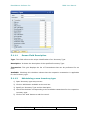
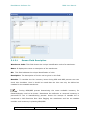
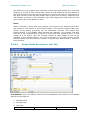
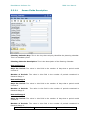
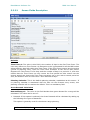
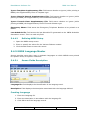
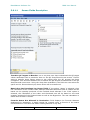
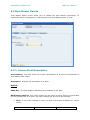
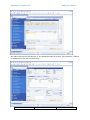
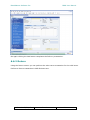
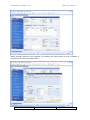
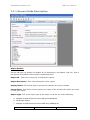
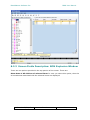
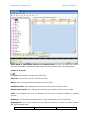
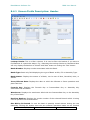
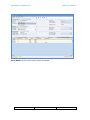
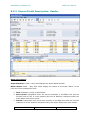
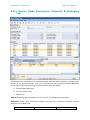
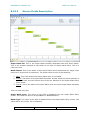
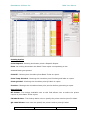
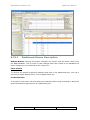
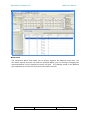
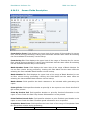
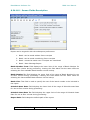
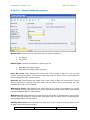
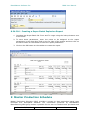
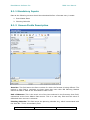
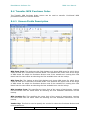
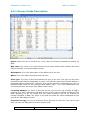
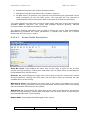
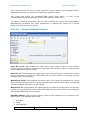
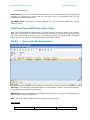
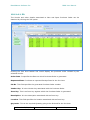
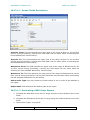
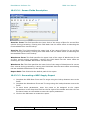
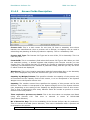
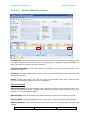
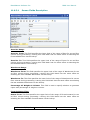
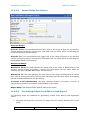
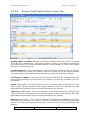
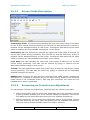
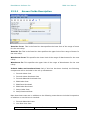
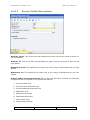
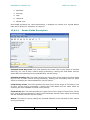
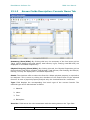
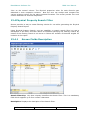
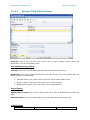
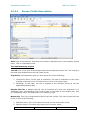
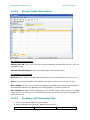
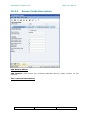
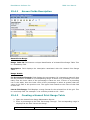
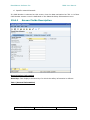
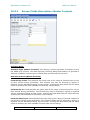
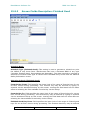
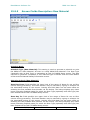
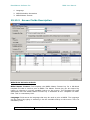
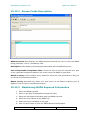
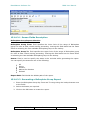
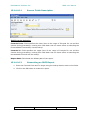
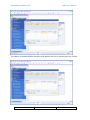
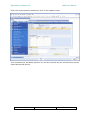
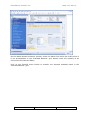
Screen Fields Description
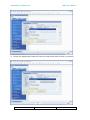
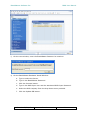
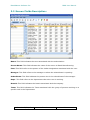
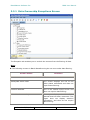
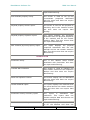
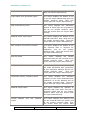
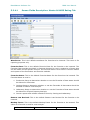
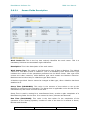
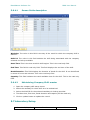
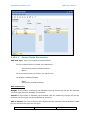
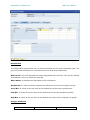
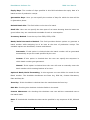
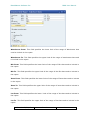
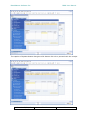
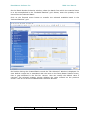
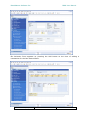
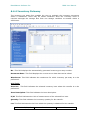
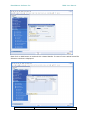
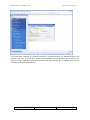
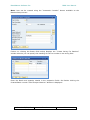
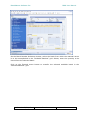
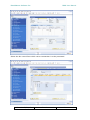
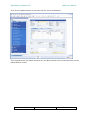
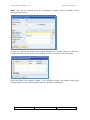
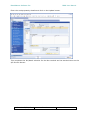
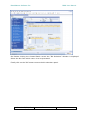
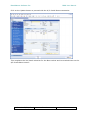
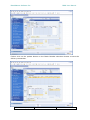
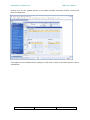
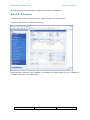
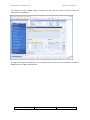
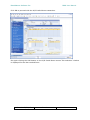
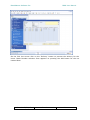
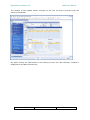
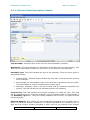
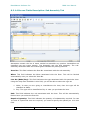
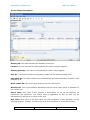
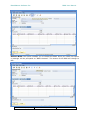
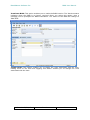
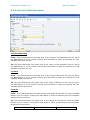
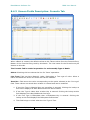
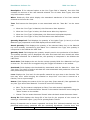
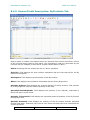
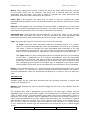
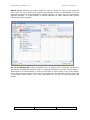
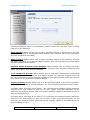
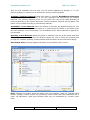
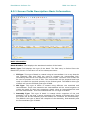
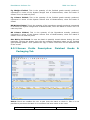
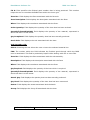
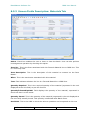
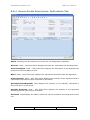
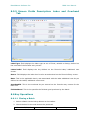
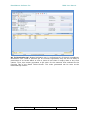
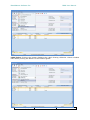
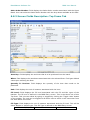
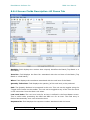
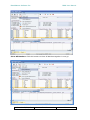
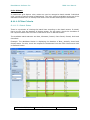
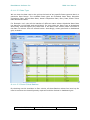
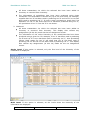
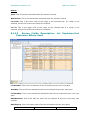
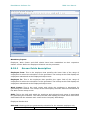
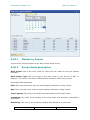
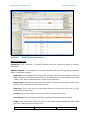
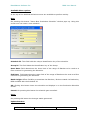
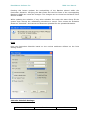
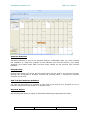
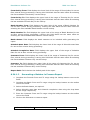
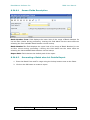
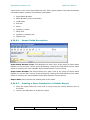
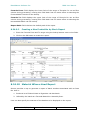
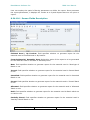
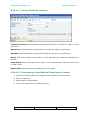
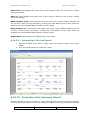
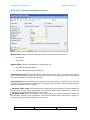
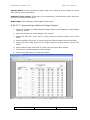
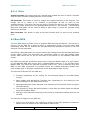
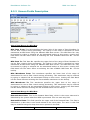
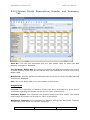
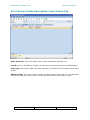
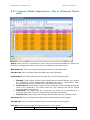
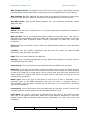
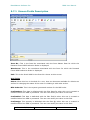
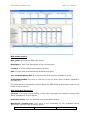
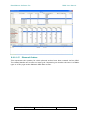
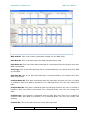
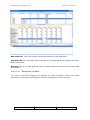
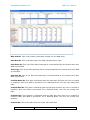
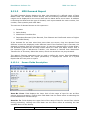
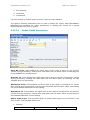
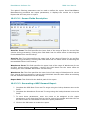
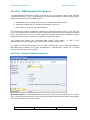
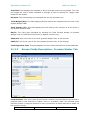
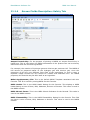
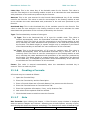
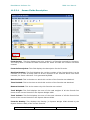
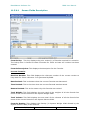
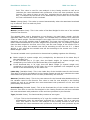
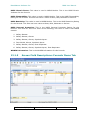
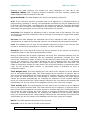
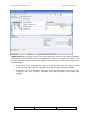
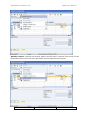
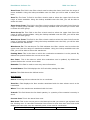
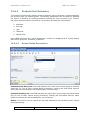
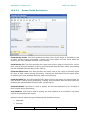
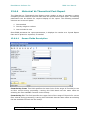
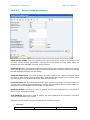
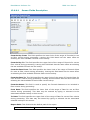
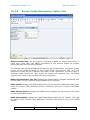
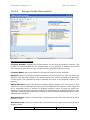
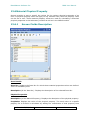
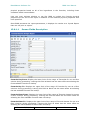
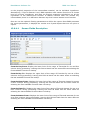
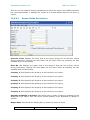
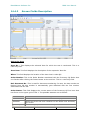
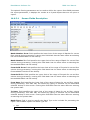
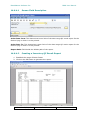
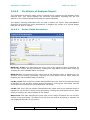
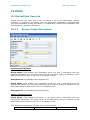
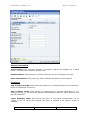
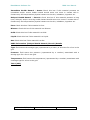
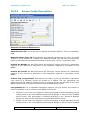
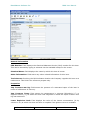
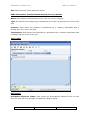
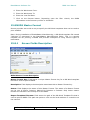
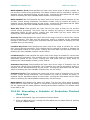
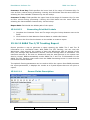
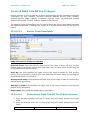
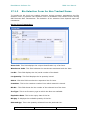
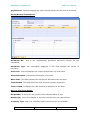
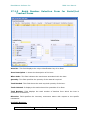
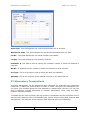
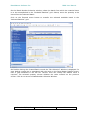
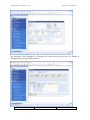
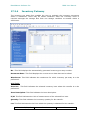
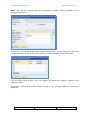
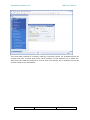
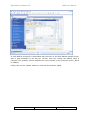
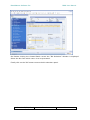
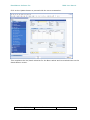
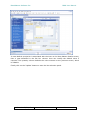
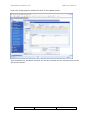
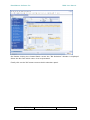
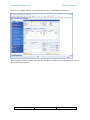
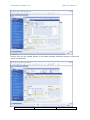
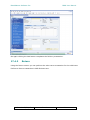
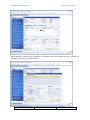
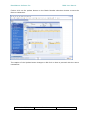
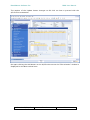
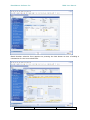
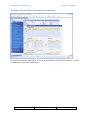
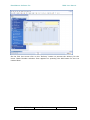
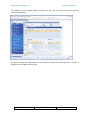
Schedule Start Date From: Field displays the lower limit of the date on which
production for the batch has commenced. The date can be altered via the lookup at this
field.
Schedule Start Date To: Field displays the upper limit of the date on which production
for the batch has commenced.
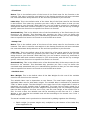
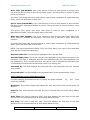
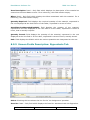
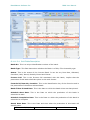
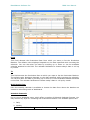
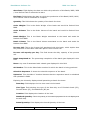
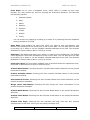
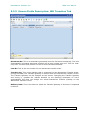
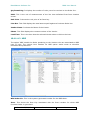
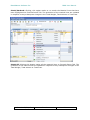
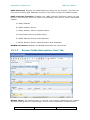
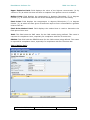
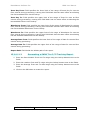
Batch Status: Field displays the status associated with the batch. User can select the
subsequent status via the drop down available at this field:
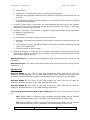
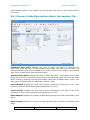
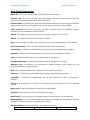
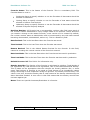
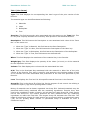
1. All: Includes the status associated with the batches such as New, Cancelled, and
Closed.
2. Cancelled: The batches having the status as cancelled will be fetched for
purging.
3. Closed: The batches having the status as closed will be fetched for purging.
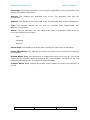
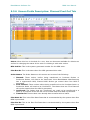
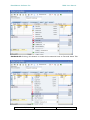
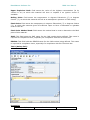
Batch Number From: Field displays the lower limit of the batch number which is to be
purged. The batch number can be altered via the lookup at this field.
Batch Number To: Field displays the upper limit of the batch number which is to be
purged.
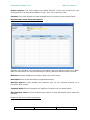
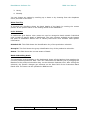
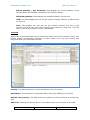
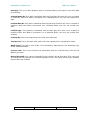
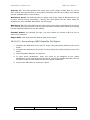
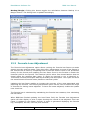
Cancelled on or before: Field displays the date on which the selected batch has been
cancelled. The date can be altered via the drop down available on the field.
8.16.2
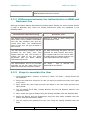
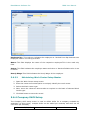
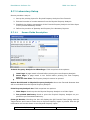
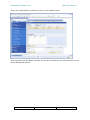
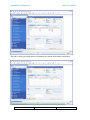
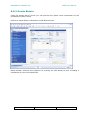
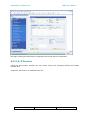
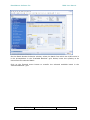
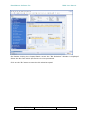
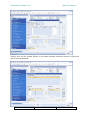
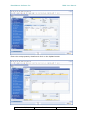
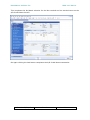
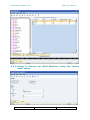
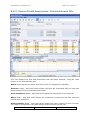
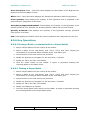
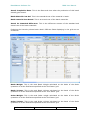
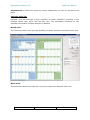
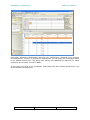
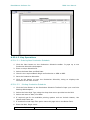
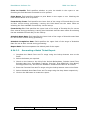
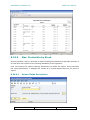
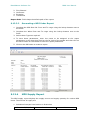
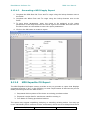
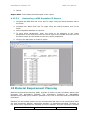
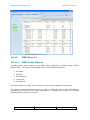
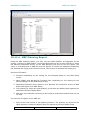
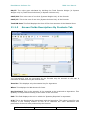
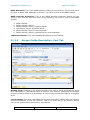
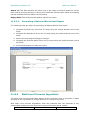
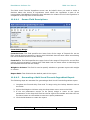
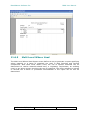
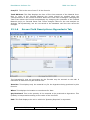
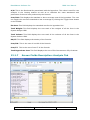
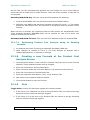
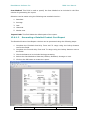
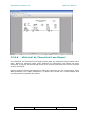
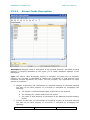
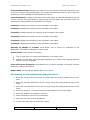
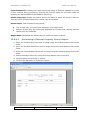
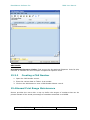
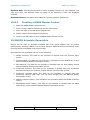
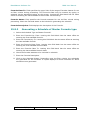
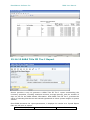
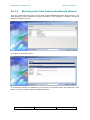
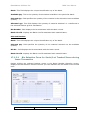
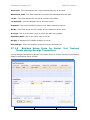
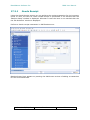
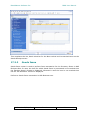
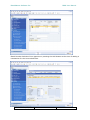
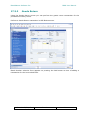
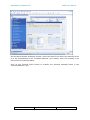
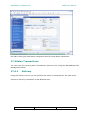
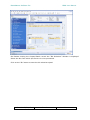
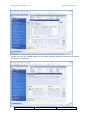
Steps to Purge Batches
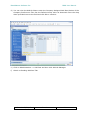
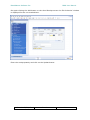
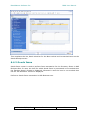
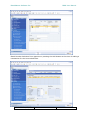
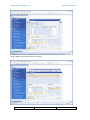
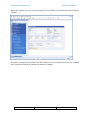
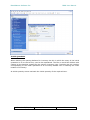
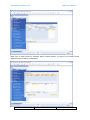
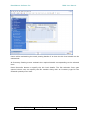
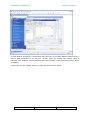
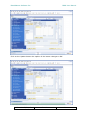
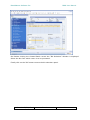
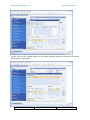
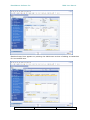
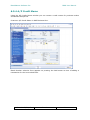
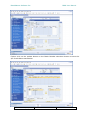
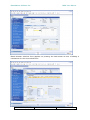
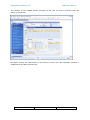
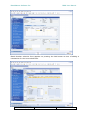
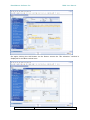
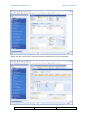
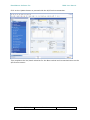
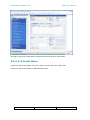
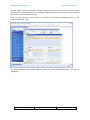
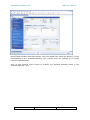
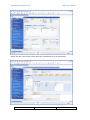
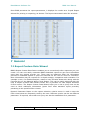
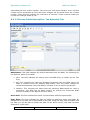
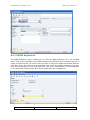
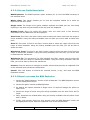
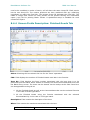
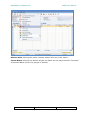
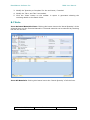
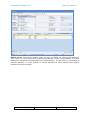
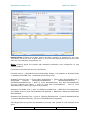
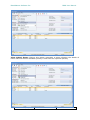
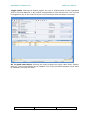
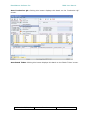
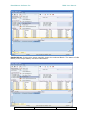
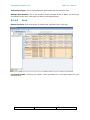
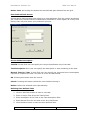
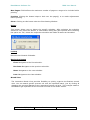
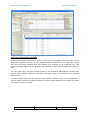
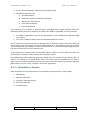
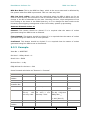
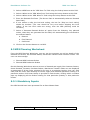
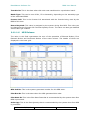
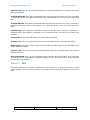
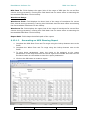
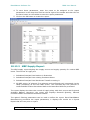
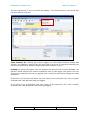
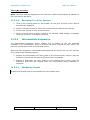
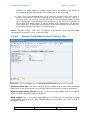
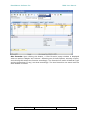
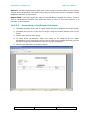
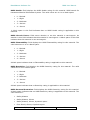
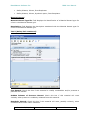
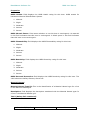
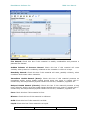
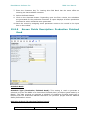
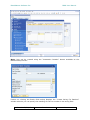
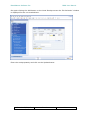
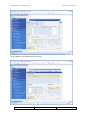
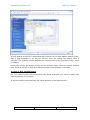
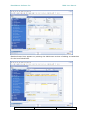
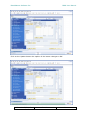
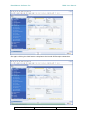
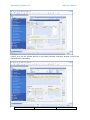
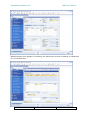
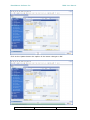
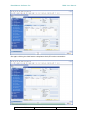
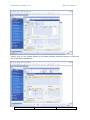
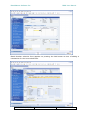
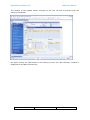
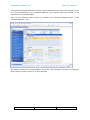
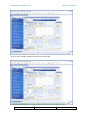
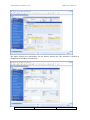
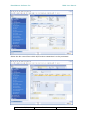
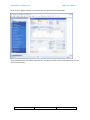
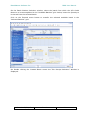
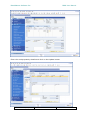
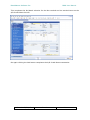
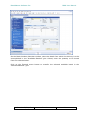
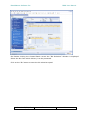
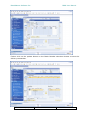
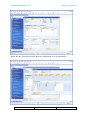
1. Select the Schedule Start Date From and To Dates using the drop down available
on the respective fields.
Doc. No. F/DV/15
Rev.No.
Date