1
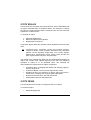
5.13.8 SUPPLIER CODE MULTIPLIERS
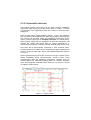
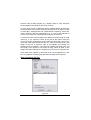
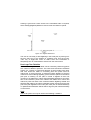
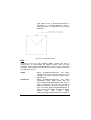
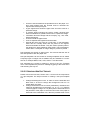
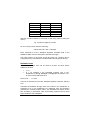
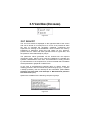
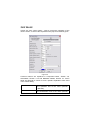
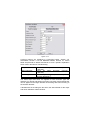
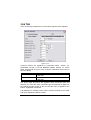
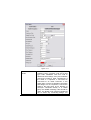
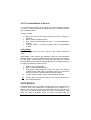
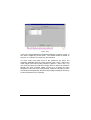
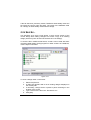
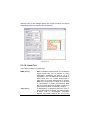
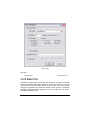
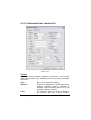
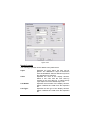
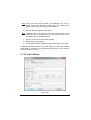
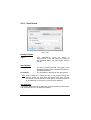
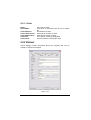
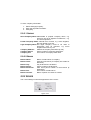
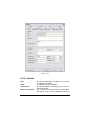
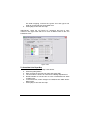
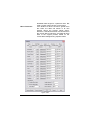
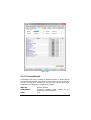
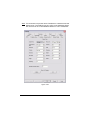
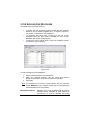
This table has three major functions:
•
•
•
To define the four character Supplier Codes that the designer
wishes to use to identify suppliers and / or product groups for
the various components in the databases
To associate with each code a base price and up to four
multipliers which are then used to calculate the cost of each
database item for the costing reports
To allow the user to select which of the four multipliers should
be used in any given design.
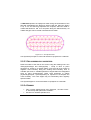
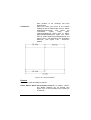
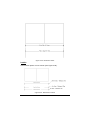
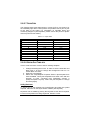
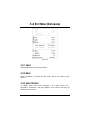
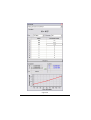
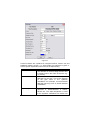
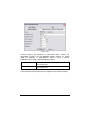
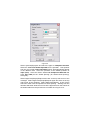
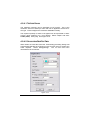
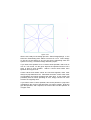
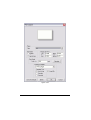
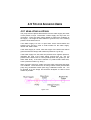
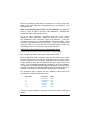
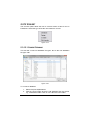
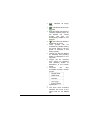
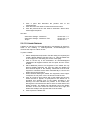
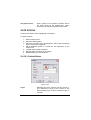
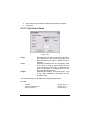
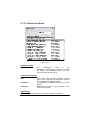
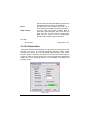
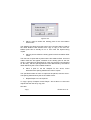
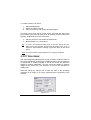
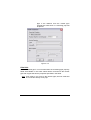
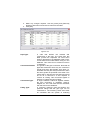
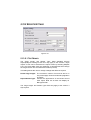
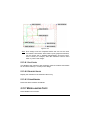
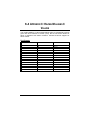
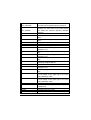
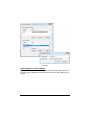
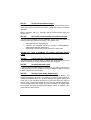
Figure 5-125
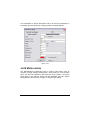
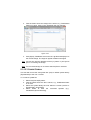
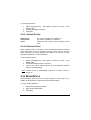
To edit the Supplier Code Multipliers:
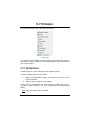
1. Select Reports|Supplier Code Multipliers.
2. Make any changes required. Use the Insert and Remove
buttons to add rows to and remove rows from the table.
3. Click [OK].
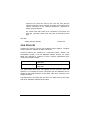
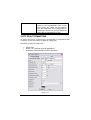
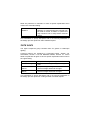
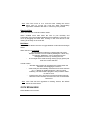
Note: For multipliers to be used in Costing reports, the user must first
enable Multiplier as the “Default Pricing Type” in Design|Design
Parameters|Economic Parameters.
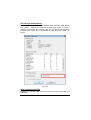
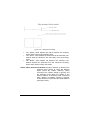
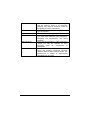
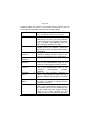
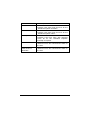
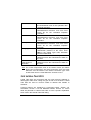
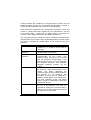
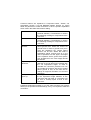
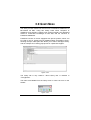
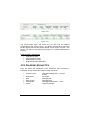
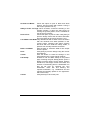
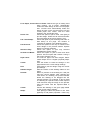
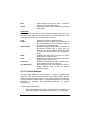
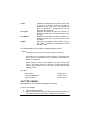
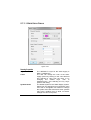
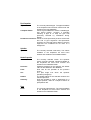
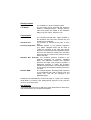
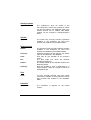
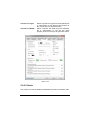
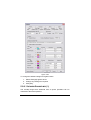
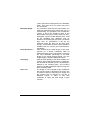
Multipliers Enabled:
Indicates which of the multipliers will be used to
calculate prices. Multiplier A must always be
checked as it is used to calculate the buying
574 • Tool and Command Reference
IRRICAD FastQuote User Guide