1
Chapter 2 Editor
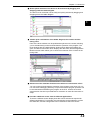
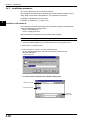
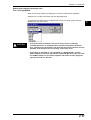
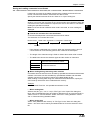
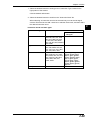
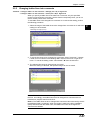
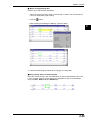
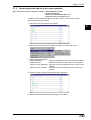
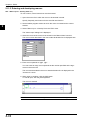
7. Click the [Yes] button to execute replacement.
Click the [No] button not to execute replacement.
Click the [Cancel] button to cancel replacement.
The operand indicated with the brown cursor is replaced with the operand set to
the "After Replacement" text box.
12
Note 1: When "Replace All without Check" is selected, the confirmation message is
not displayed.
Note 2: When "Move Comment and Label" is selected, all the comments of the
devices in the set range are replaced. For example, when "0000" is replaced with
"0010", the "0000" comment is deleted, and the "0010" comment replaces it.
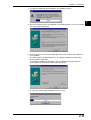
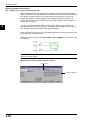
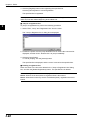
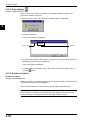
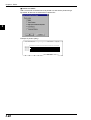
8. When all replacements are complete, the number of operands replaced is displayed.
Click the [OK] button.
2.7.5
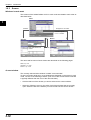
Converting a/b contacts
Edit ➔ Convert a-b (N.O.-N.C.) Contacts (Ctrl + A)
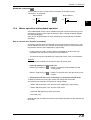
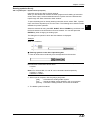
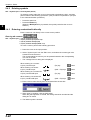
To convert an a (N.O.) contact into a b (N.C.) contact or to convert a b (N.C.) contact into an a (N.O.) contact, perform the following procedure.
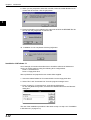
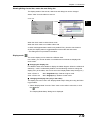
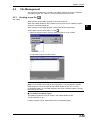
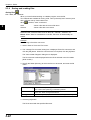
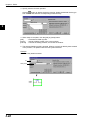
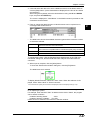
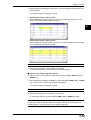
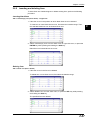
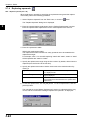
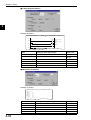
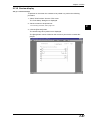
1. Select "Convert a-b (N.O.-N.C.) Contacts" from the "Edit" menu.
The "Convert a-b (N.O.-N.C.) Contacts" dialog box is displayed.
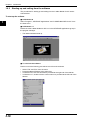
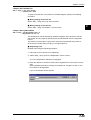
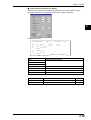
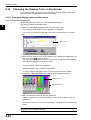
2. Enter the operand to be converted. Click "Convert All without Check" to attach
the check mark so that the message to confirm execution of conversion is not
displayed.
2-65