1
Creating a Package and Folder
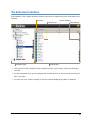
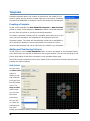
Every User Content file needs to be contained within a folder that is part of a package. To create
a new package:
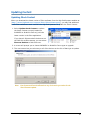
1. Right click on User Content in the navigation pane or in the contents pane when User
Content is displayed and selecting New [SHOWPIX or StudioPix] Package.
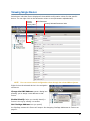
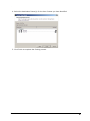
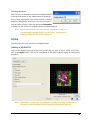
2. Type the name of your new package in the dialog box that
appears and click OK to save. Your new package will now appear
in the navigation bar under User Content.
To create a folder:
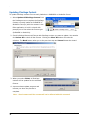
1. Right click in the contents pane of a selected package or on that package in the navigation
pane and select New [SHOWPIX or StudioPix] Folder.
2. Type the name of your folder in the dialog box that appears and click OK to save. Your new
folder will now appear within your selected package.
Echo™ Software User Manual
17