1
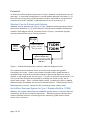
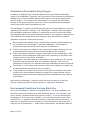
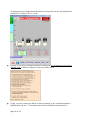
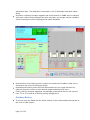
In the Users List, highlight the user you wish to delete, for example, Test, Jodi. Click
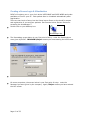
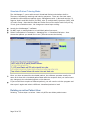
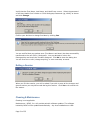
the Delete button. The following dialog box is presented as a caution:
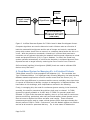
Click Yes to confirm that you wish to delete the named user.
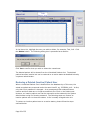
The deleted patient will be absent from the Virtualized Patients List. The deleted
patient becomes inactive but can be restored to an active status as detailed below by
a systems administrator.
Restoring a Deleted (Inactive) Patient User
When a virtualized Patient user is deleted from the database by a Clinic user, the
actual recordsets are preserved under the same UserID, eg, 23339981_416. In fact,
only their Clinic password is changed. As a consequence their status becomes
inactive and their data are no longer accessible to the Clinic or the Patient user.
However, an inactive patient user can be restored to active status by the System
Administrator using his Domain password. The following steps can restore an
inactive patient user to the active status. A fee is usually charged to do this.
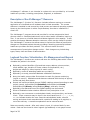
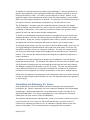
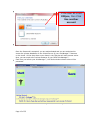
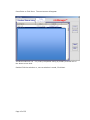
To restore an inactive patient user to an active status, please follow the steps
outlined below.
Page 29 of 33