1
Editing documents
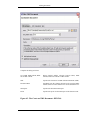
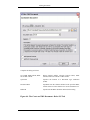
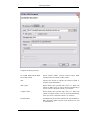
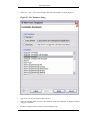
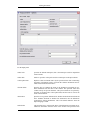
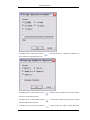
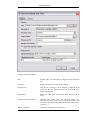
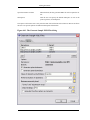
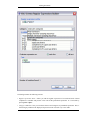
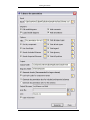
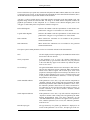
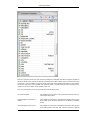
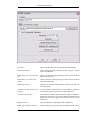
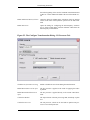
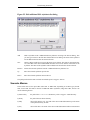
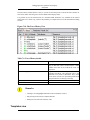
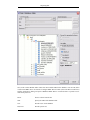
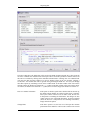
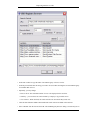
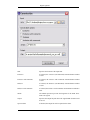
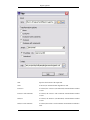
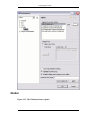
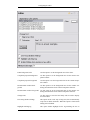
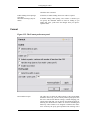
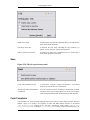
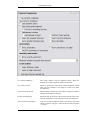
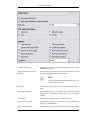
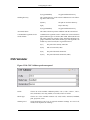
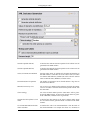
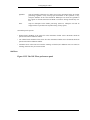
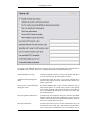
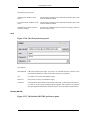
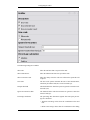
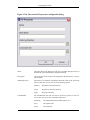
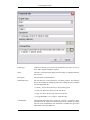
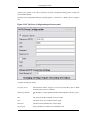
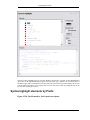
Namespace / Element
Allows the user to define settings for:
• All elements from all namespaces. This is the default setting
and it can also be accessed from Options -> Preferences ->
XML / XML Instance Generator.
• All elements from a specific namespace.
• A specific element from a specific namespace.
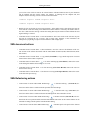
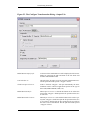
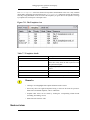
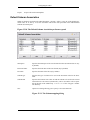
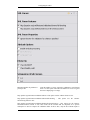
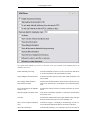
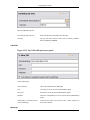
Generate optional elements
When checked, all elements will be generated, including the optional ones (having the minOccurs attribute set to 0 in the
schema).
Generate optional attributes
When checked, all attributes will be generated, including the optional ones (having the use attribute set to optional in the
schema.)
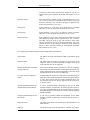
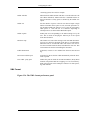
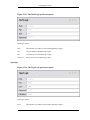
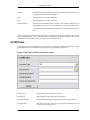
Values of elements and attributes
Controls the content of generated attributes and elements. Several
choices are available:
• None - No content is inserted;
• Default - Inserts a default value depending of data type
descriptor of the respective element/attribute. The default value
can be either the data type name or an incremental name of the
attribute or element (according to the global option from the
XML instance generator preferences page);
• Random - Inserts a random value depending of data type
descriptor of the respective element/attribute.
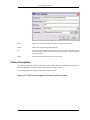
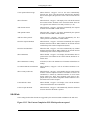
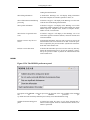
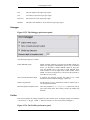
Preferred number of repetitions
Allows the user set the preferred number of repeating elements related with minOccurs and maxOccurs defined in XML Schema.
• If the value set here is between minOccurs and maxOccurs, that
value will be used;
• If the value set here is less than minOccurs, the minOccur value
will be used;
• If the value set here is greater than maxOccurs, that value will
be used.
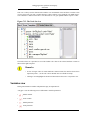
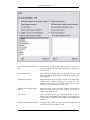
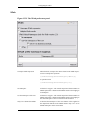
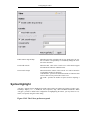
Maximum recursivity level
Option to set the maximum allowed depth of the same element in
case of recursivity.
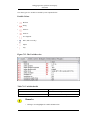
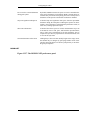
Choice strategy
Option to be used in case of xs:choice or substitutionGroup. The
possible strategies are:
• First - the first branch of xs:choice or the head element of substritutionGroup will be always used;
• Random - a random branch of xs:choice or a substitute element
or the head element of a substitutionGroup will be used.
Generate the other options as comments
Option to generate the other possible choices or substitutions (for
xs:choice and substitutionGroup). These alternatives will be generated inside comments groups so you can uncomment them and
76