1
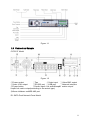
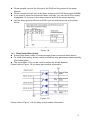
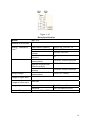
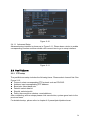
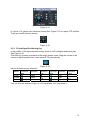
Figure 2-7
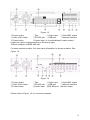
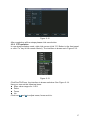
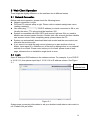
Figure 2-8
2.3.3 Search and Playback
There are two ways for you to go to search menu.
z Click Pause/Play button in the remote control.
z Click search in the main menu.
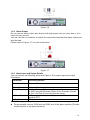
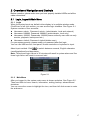
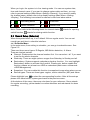
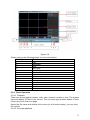
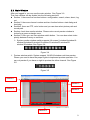
Search interface is shown as below. See Figure 2-9.
Usually there are three file types:
z R: regular recording file.
z A: external alarm recording file.
z M: motion detection recording file
z C: card and pos test overlay recording file(For some special series only)
There are several playback windows. Usually system supports 1/2-ch playback.
Some series support 4-ch playback.
22