1
RC-E User Manual
Backup, Move & Restore
8.
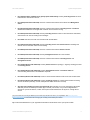
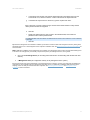
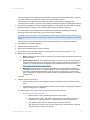
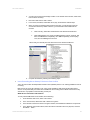
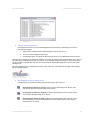
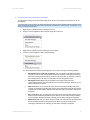
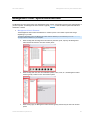
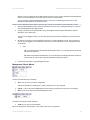
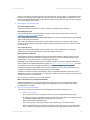
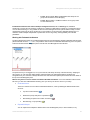
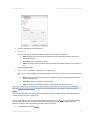
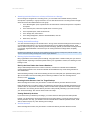
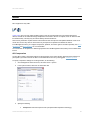
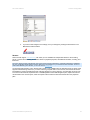
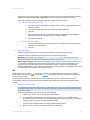
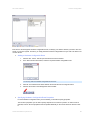
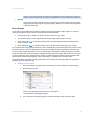
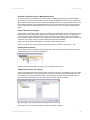
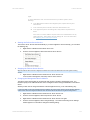
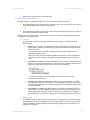
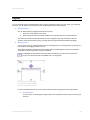
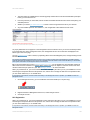
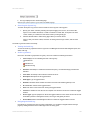
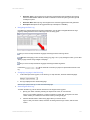
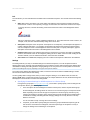
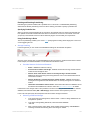
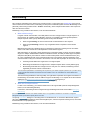
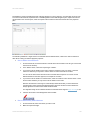
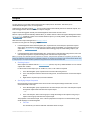
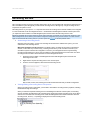
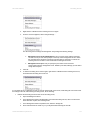
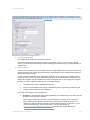
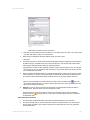
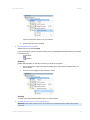
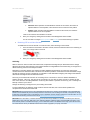
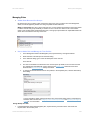
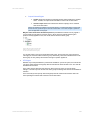
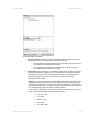
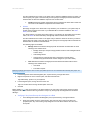
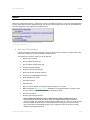
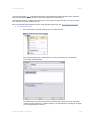
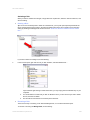
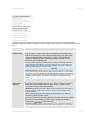
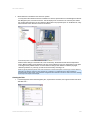
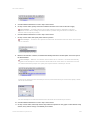
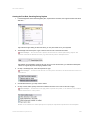
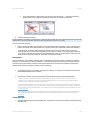
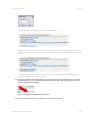
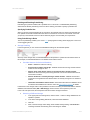
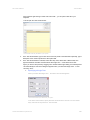
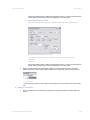
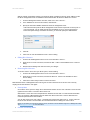
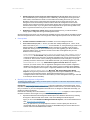
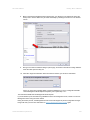
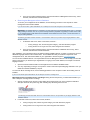
Back on the Restore Database dialog's General page, your backup is now listed under Select the
backup sets to restore. Make sure you select the backup by selecting the check box in the Restore
column:
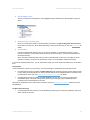
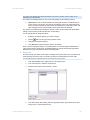
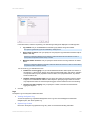
9.
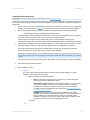
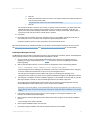
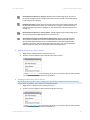
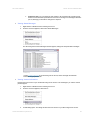
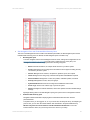
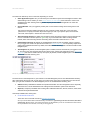
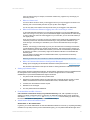
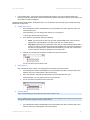
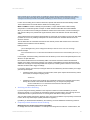
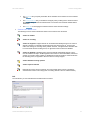
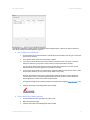
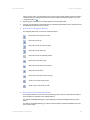
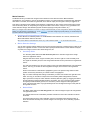
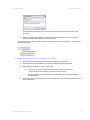
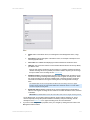
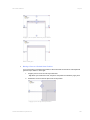
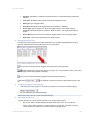
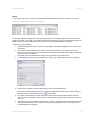
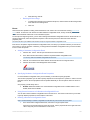
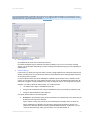
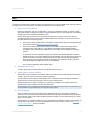
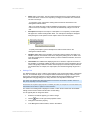
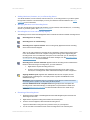
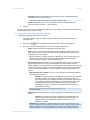
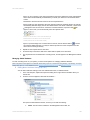
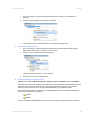
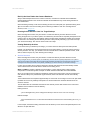
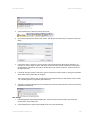
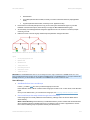
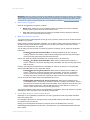
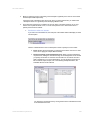
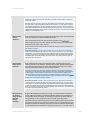
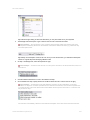
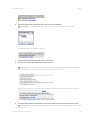
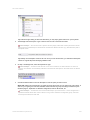
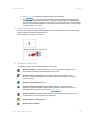
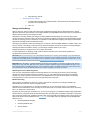
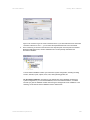
Now go to the Restore Database dialog's Options page, and select Overwrite the existing database.
Leave the other options as they are.
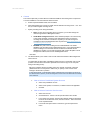
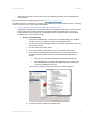
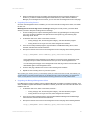
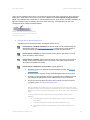
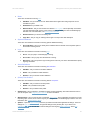
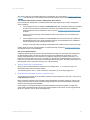
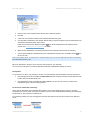
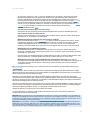
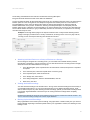
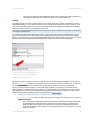
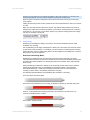
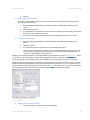
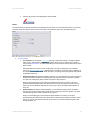
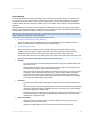
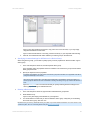
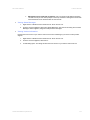
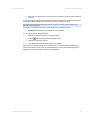
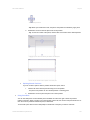
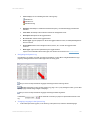
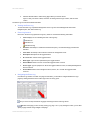
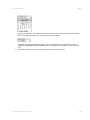
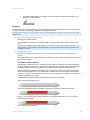
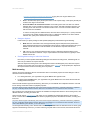
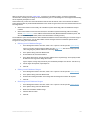
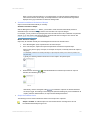
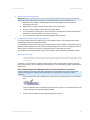
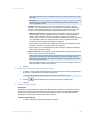
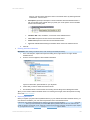
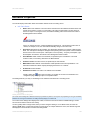
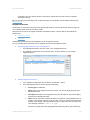
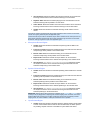
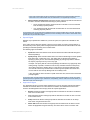
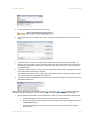
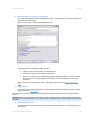
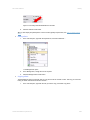
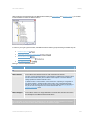
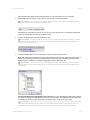
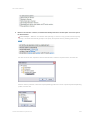
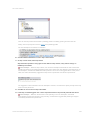
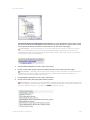
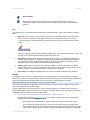
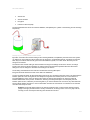
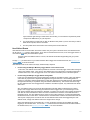
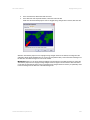
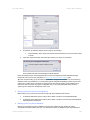
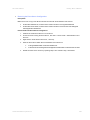
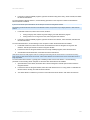
10. Click OK to begin the restoration. When the restore is finished, you will see a confirmation:
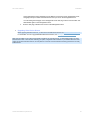
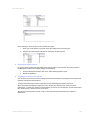
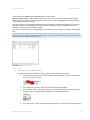
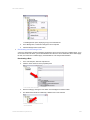
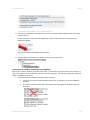
Tip: If you get an error message telling you that the database is in use, try exiting Microsoft SQL
Server Management Studio Express completely, then repeat steps 1-10.
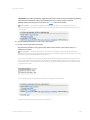
Then exit Microsoft SQL Server Management Studio Express.
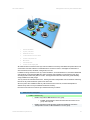
If you also backed up the SurveillanceLog database from the old management server, restore it on the new
Management Server using the same method.
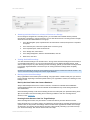
During the restore process, the Management Server service was stopped to prevent configuration changes
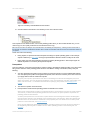
being made until you were done. Remember to start the Management Server service again.
On-Net Surveillance Systems Inc.
301