1
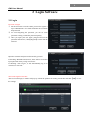
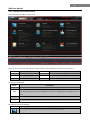
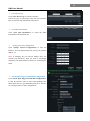
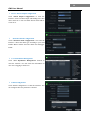
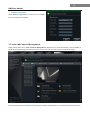
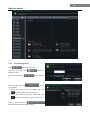
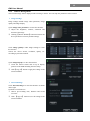
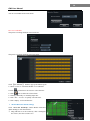
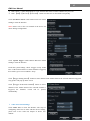
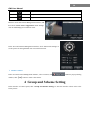
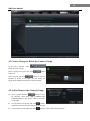
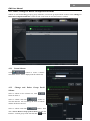
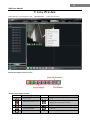
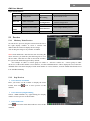
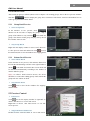
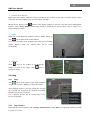
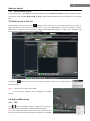
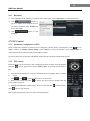
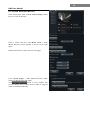
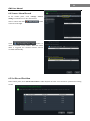
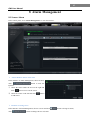
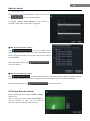
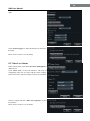
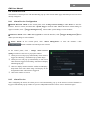
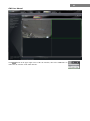
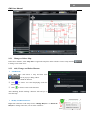
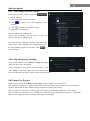
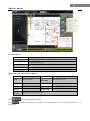
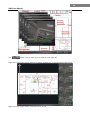
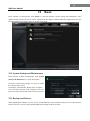
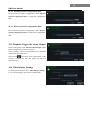
38 CMS User Manual Alarm Link Setup In the interface of Alarm Management, choose a sensor and click button to enter the interface. If checking “Trigger Alarm Playback”, there will be a sound like “beep” when sensor alarm is triggered. Add Associated Preview Camera Click to pop up a window; check cameras and click【OK】 button to save the setting. When sensor alarm is triggered, the alarm preview and e-map preview will pop up automatically. Select the added camera, click remove the camera. to Add Associated Record Camera Click to enter the interface; check the associated cameras and click 【OK】 button to save the setting. When the sensor alarm is triggered, the selected channels will be recorded automatically. Select the added camera, click 8.2 Motion Detection Alarm In the control panel, click “Area & Camera Settings” under Device. Select a camera and click “Area and Sensitivity” to enter the interface as right. You can adjust the detection sensitivity and setup the motion area. to remove the camera