1
User manual Version 9.3, Rev. 0, September 2008
Oasys D3PLOT
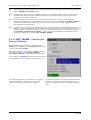
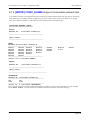
6.7.4 [WRITE] COINC_ELEMS Output of coincident element lists
A "coincident" element is one that shares the same topology as another element of the same type, but not necessarily
in the same order. Coincident elements of different types, for example contact segments on shells, do not qualify.
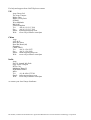
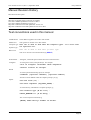
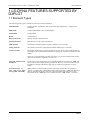
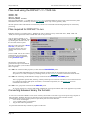
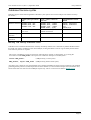
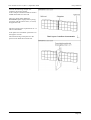
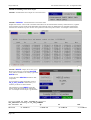
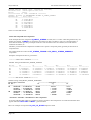
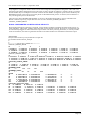
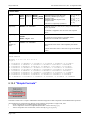
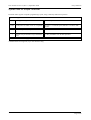
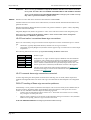
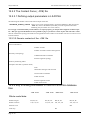
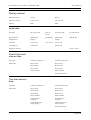
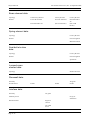
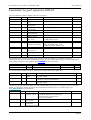
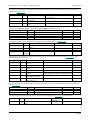
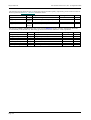
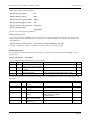
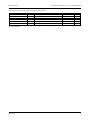
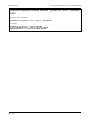
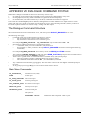
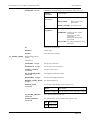
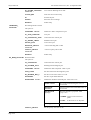
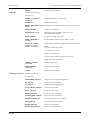
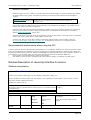
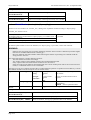
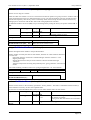
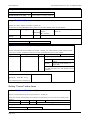
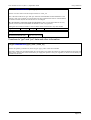
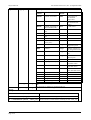
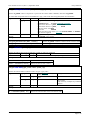
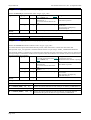
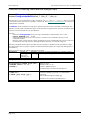
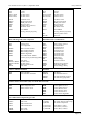
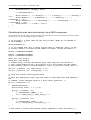
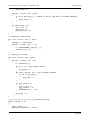
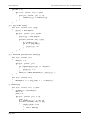
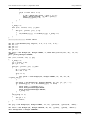
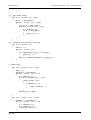
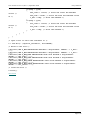
There are no further arguments or sub-menus for this command, and an example listing is:
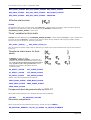
COINCIDENT ELEMENT CHECK:
==========================
SOLIDs
Element No:
Coincident element(s):
------------------------------------[None found]
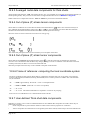
------------------------------------BEAMs
Element No:Coincident element(s):
------------------------------------B13001
B13002
B13003
B13004
B13002
B13003
B13004
B13005
B13003
B13004
B13005
B13006
B13004
B13005
B13006
B13007
B13005
B13006
B13007
B13006
B13007
-------------------------------------[Total of 21 coincident BEAMs]
B13005
B13006
B13007
B13006
B13007
B13007
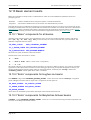
SHELLs
Element No:
Coincident element(s):
-------------------------------------[None found]
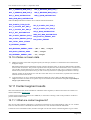
--------------------------------------------------------------------------INTERFACEs
Element No: Coincident element(s):
--------------------------------------I30
I81
I102
I153
--------------------------------------[Total of
2 coincident INTERFACEs]
Every element category in the file is checked through and a summary report as above generated. As in the example
above [None found] is reported when no coincident elements are found in a particular category.
Page 6.73