1
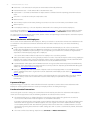
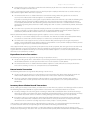
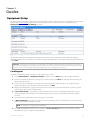
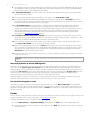
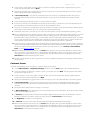
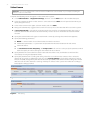
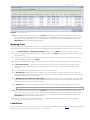
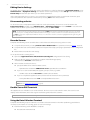
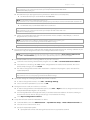
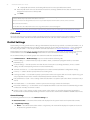
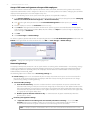
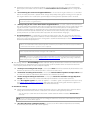
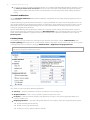
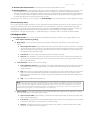
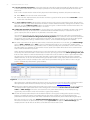
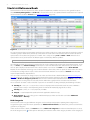
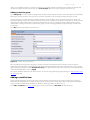
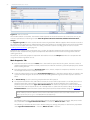
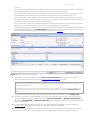
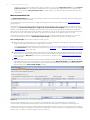
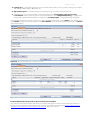
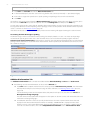
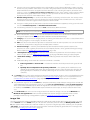
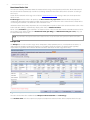
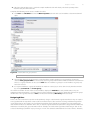
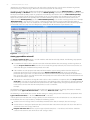
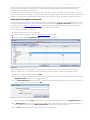
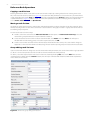
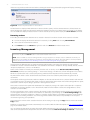
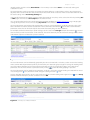
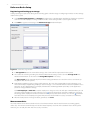
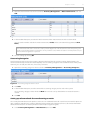
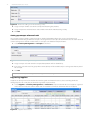
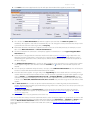
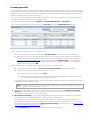
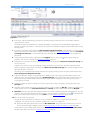
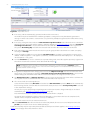
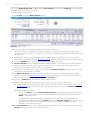
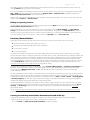
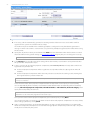
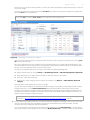
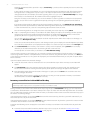
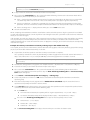
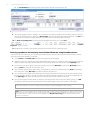
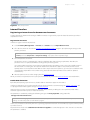
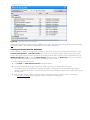
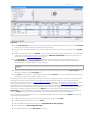
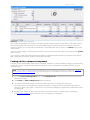
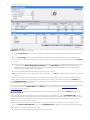
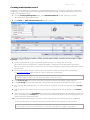
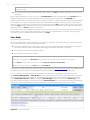
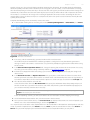
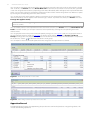
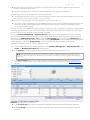
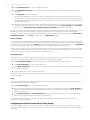
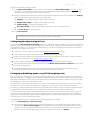
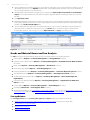
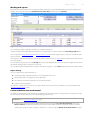
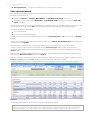
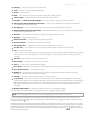
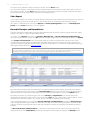
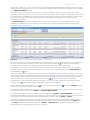
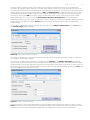
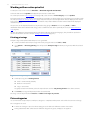
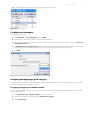
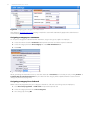
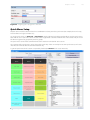
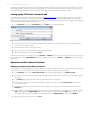
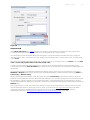
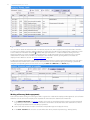
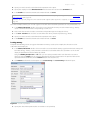
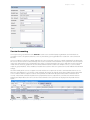
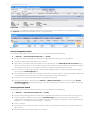
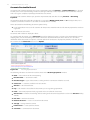
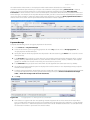
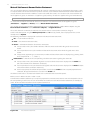
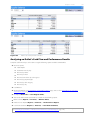
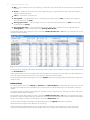
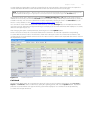
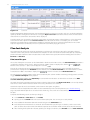
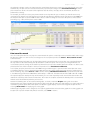
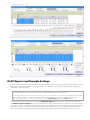
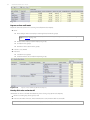
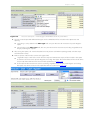
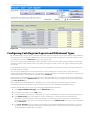
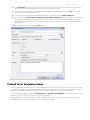
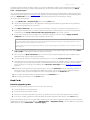
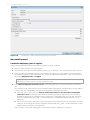
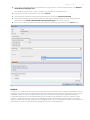
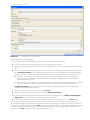
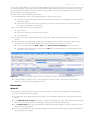
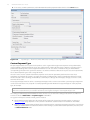
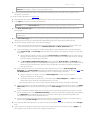
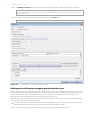
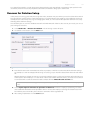
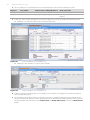
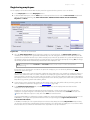
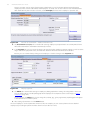
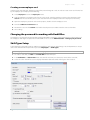
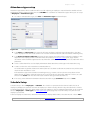
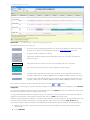
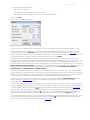
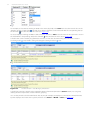
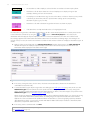
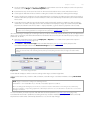
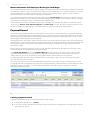
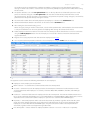
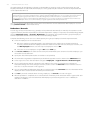
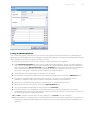
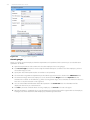
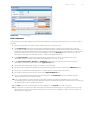
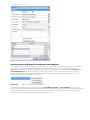
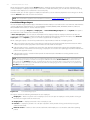
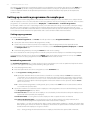
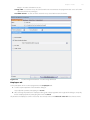
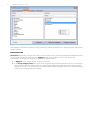
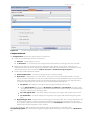
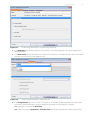
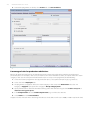
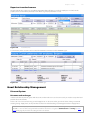
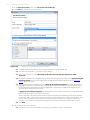
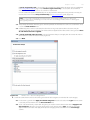
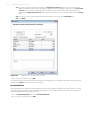
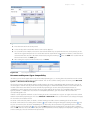
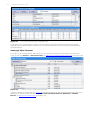
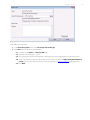
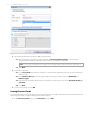
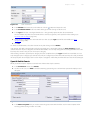
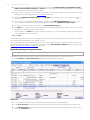
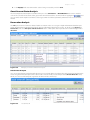
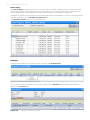
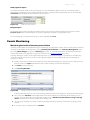
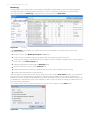
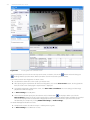
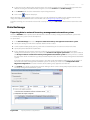
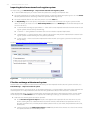
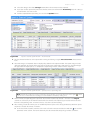
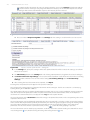
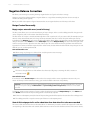
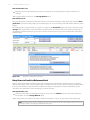
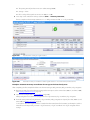
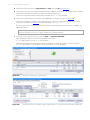
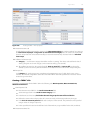
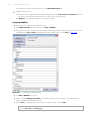
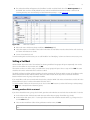
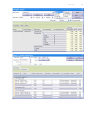
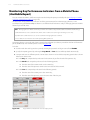
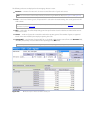
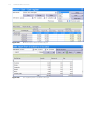
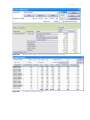
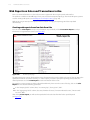
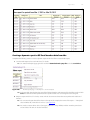
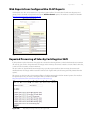
Appendices Figure 223. 261 Creating modifier — main properties Measurement units tab Specify that the modifier is measured in servings in the Measurement Units tab. Set the weight of one serving in the Total actual output per 1 usage norm (1 measurement unit weight) field. This value is set automatically based on recipe data and can be edited manually (to restore the automatically calculated value click Calculate from recipe). Additional information tab. Category — stock list item category that will be used for accounting. This value is selected from the list of existing categories and a new category can be created as well (e.g. “for set meal”) All modifiers are printed on the guest bill and bill (Print on guest bill and Print on bill are selected by default). If you do not want to print free modifiers on the bill, remove the tick from the corresponding box. Recipes Tab In the Recipes tab, set the usage norm, ingredients and preparation process of a dish, which in our case is a modifier. The write-off of ingredients at the sale of the main “MEAL” dish will be performed on the basis of their entered usage norm values. Creating a “MEAL” dish You need to set parameters for the “MEAL” dish in the following tabs: Main Properties, Measurement Units, Additional Information. Main Properties Tab. Enter the item name “MEAL” in the Stock List Item Name field. Set the item type “Dish” in the Stock List Item Category field. In the Parent Stock List Group field select the stock list group this item will be included in. Define the sections whose the price lists will contain set meals, and the item production place type. In the Price in restaurant price list field set the sale price of the set meal. This parameter can be specified using an order on changes in price list. In the special block located on the left-hand side of the window, assign modifiers for the dish (see below). Measurement Units Tab