1
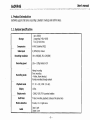
1. Product introduction
1.1. System specification
2. Product operation
2.1. Various split screen
2.2. 1 channel audio recording & playback
2.3. USB backup
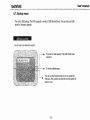
2.4. System upgrade through USB stick
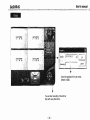
2.5. Network client program with various functions
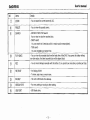
2.6. Front panel and buttons
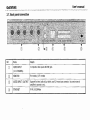
2.7. Back panel connection
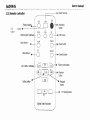
2.8. Remote controller
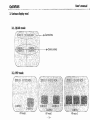
3. Various display mode
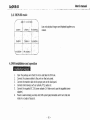
3.1. QUAD mode
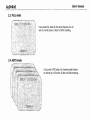
3.2. PIP mode
3.3. FULL screen mode
3.4. AUTO rotation mode
3.5. TRIPLEX mode
4. DVR installation and operation
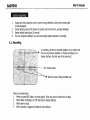
4.1. Recording
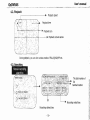
4.2. Playback
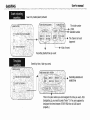
4.3. Searching
4.4. Zooming
4.5. Freezing
4.6. USB backup
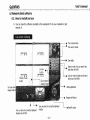
4.7. System information
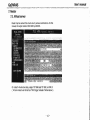
5. Menu
5.1. Setup menu
5.2. System menu
5.3. Video menu
5.4. Recording menu
5.5. Network menu
5.6. Sensor I Motion menu
5.7. Backup menu
5.8. Schedule recording menu
6. Network client software
6.1. Program installation and
operation
7. Router
7.1. Virtual server
7.2. Router IP check
7.3. Access
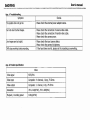
App. A. Troubleshooting
App. B. Product specification