1
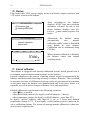
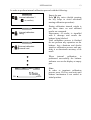
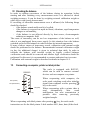
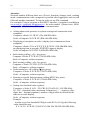
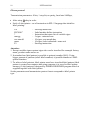
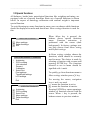
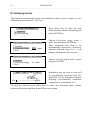
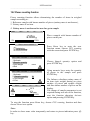
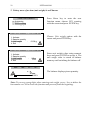
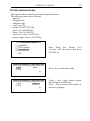
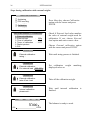
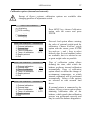
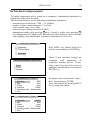
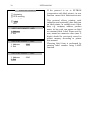
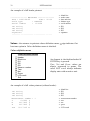
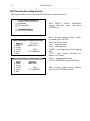
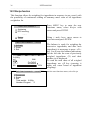
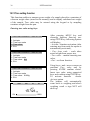
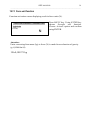
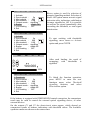
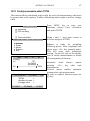
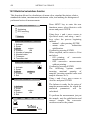
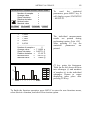
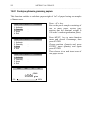
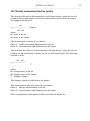
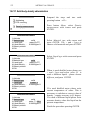
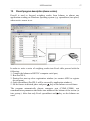
USER MANUAL 36 ____________________________________________________________________________________________________________________ 14.10 Recipe function This function allows for weighing few ingredients in sequence in one vessel, with the possibility of continuous reading of summary mass value of all ingredients weighed so far. Press MENU key to enter the user functions menu, select Recipe with cursor and press ENTER. USER FUNCTIONS&OPT. Autotaring PCS counting . . . Using ∨ and ∧ keys, move cursor to Activation and press ENTER. Recipe USER FUNCTIONS&OPT. \ RECIPE 1. Activate 2. Reset 3. Exit Max ... =0.000g n=0 Min ... e= ... d= .. SUM 0.000 g 0% 100% The balance is ready for weighing the successive ingredients, and after each ingredient it is necessary to press T key. It will zero the balance indications. On the left side the sum of previously weighed ingredients () and their number (n) is displayed. To read the total mass of all weighed ingredients use key (pressing it again will cause return to ingredient weighing). USER RECIPE To finish the FUNCTIONS&OPT. function operation,\ press MENU to enter the user functions menu, select Recipe function, and select Deactivation option. 1. Deactivate 2. Reset 3. Exit Total weight: 0.000g Number of ingred.: 0