1
Section 36: Phonebook Editor
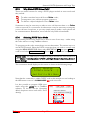
Very Important Note:
You can only copy entries from one i-Mix G3 listed in your Devices root menu
in ToolBox, into the Phonebook Editor of a separate i-Mix G3 codec listed in
the same Devices root menu
In addition, you can only copy entries from one COMMANDER G 3 field unit
codec listed in your Devices root menu in ToolBox, into the Phonebook Editor of
a separate COMMANDER G 3 field unit codec listed in the same Devices root
menu, or if you are copying from a COMMANDER G 3 rack unit codec then you
must copy to another COMMANDER G 3 rack unit (please ensure it is the same
model of rack unit codec because the TLR300 and TLR300B have different
matrices).
This is because the Configuration Files for different models of codecs are different
to each other and cannot be loaded onto a different model of codec.
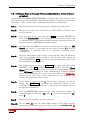
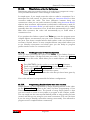
Following is the procedure to copy entries from those listed in the Phonebook
Editor and to paste them into another profile.
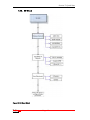
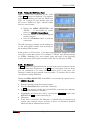
First, go to the profile you wish to copy entries from and open it within
ToolBox ;
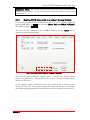
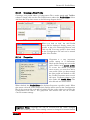
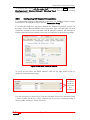
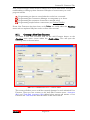
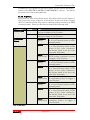
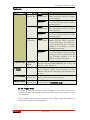
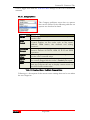
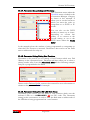
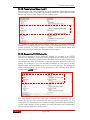
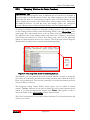
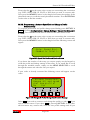
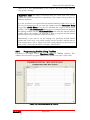
Next go to the Phonebook Editor where the entries are listed and click
on Copy Ph Book from the options available;
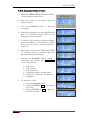
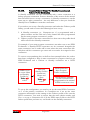
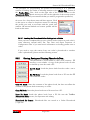
Then add a new device to the Devices root menu (Please ensure that
the device that you are copying from is the same as the one you are
copying to, i.e. field unit to field unit, or rack unit to rack unit).
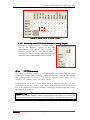
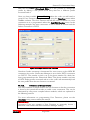
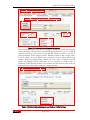
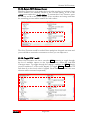
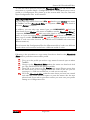
Go to the Phonebook Editor within the new device you have just created
and select the Paste Ph Book option to paste the entries into the new
phone book. If you wish to save these entries you must save your profile
settings to a Configuration File.
Tieline
TECHNOLOGY
Page 331