1
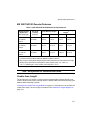
RS-232 Interface
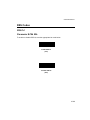
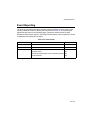
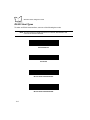
None
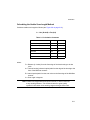
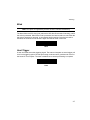
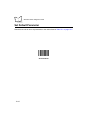
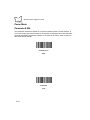
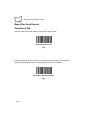
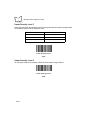
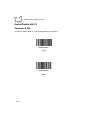
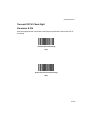
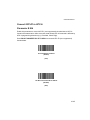
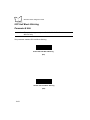
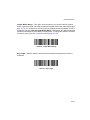
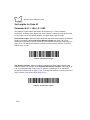
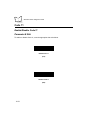
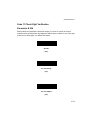
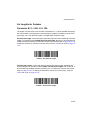
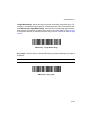
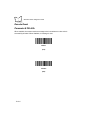
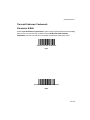
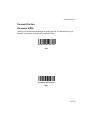
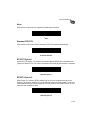
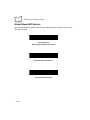
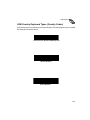
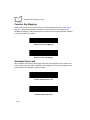
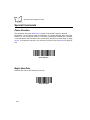
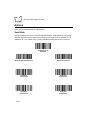
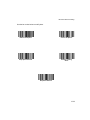
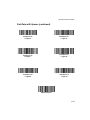
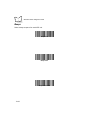
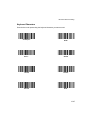
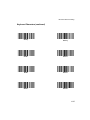
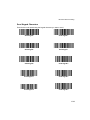
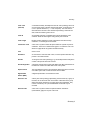
Scan the bar code below if no Hardware Handshaking is desired.
*None
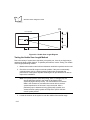
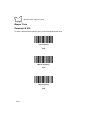
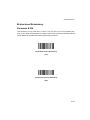
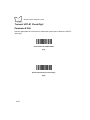
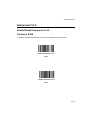
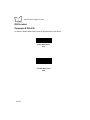
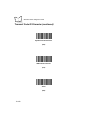
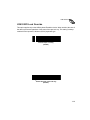
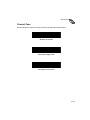
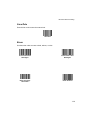
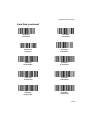
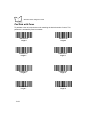
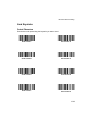
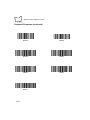
Standard RTS/CTS
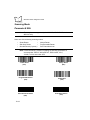
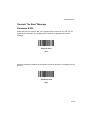
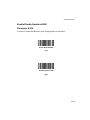
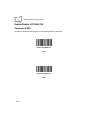
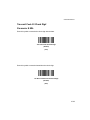
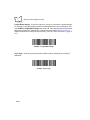
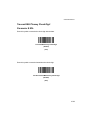
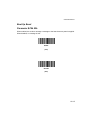
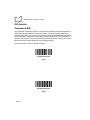
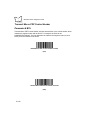
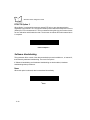
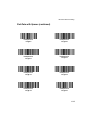
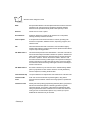
Scan the bar code below to select Standard RTS/CTS Hardware Handshaking.
Standard RTS/CTS
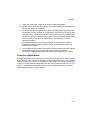
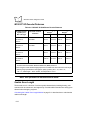
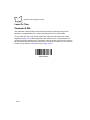
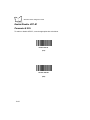
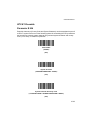
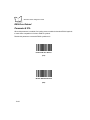
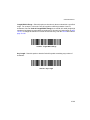
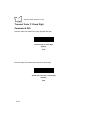
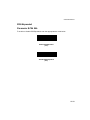
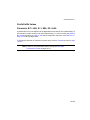
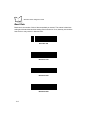
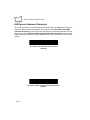
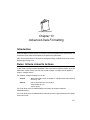
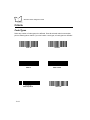
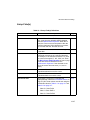
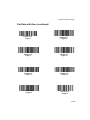
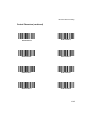
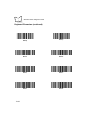
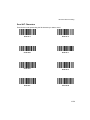
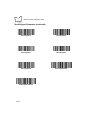
RTS/CTS Option 1
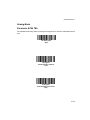
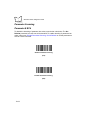
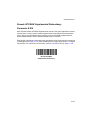
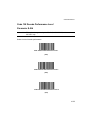
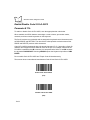
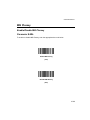
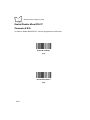
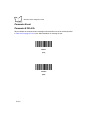
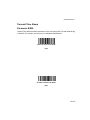
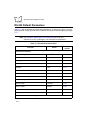
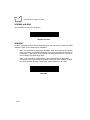
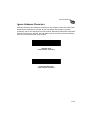
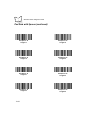
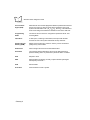
When RTS/CTS Option 1 is selected, the scanner asserts RTS before transmitting and
ignores the state of CTS. The scanner de-asserts RTS when the transmission is complete.
RTS/CTS Option 1
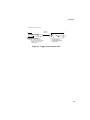
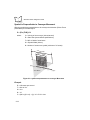
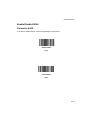
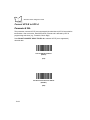
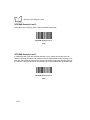
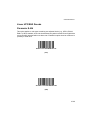
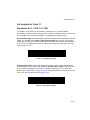
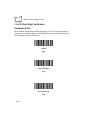
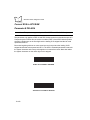
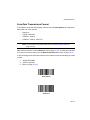
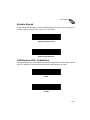
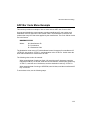
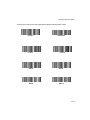
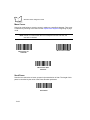
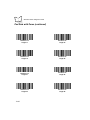
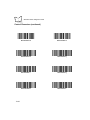
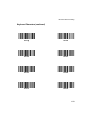
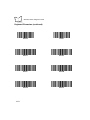
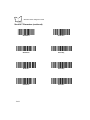
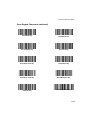
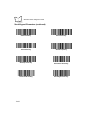
RTS/CTS Option 2
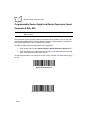
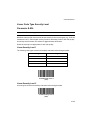
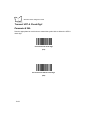
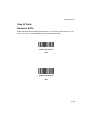
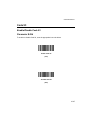
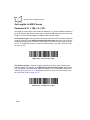
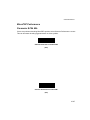
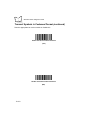
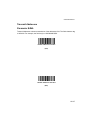
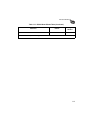
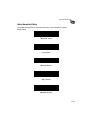
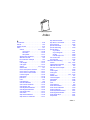
When Option 2 is selected, RTS is always high or low (user-programmed logic level).
However, the scanner waits for CTS to be asserted before transmitting data. If CTS is not
asserted within the Host Serial Response Time-out (default), the scanner issues an error
indication and discards the data.
RTS/CTS Option 2
11-15