1
•
•
•
•
•
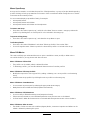
Make sure that your firewall settings of your PC does not block the MProfit application
Database updates like addition of newly listed stocks, mutual funds or name change of a company are
provided online and automatically updated in the MProfit database file on your PC
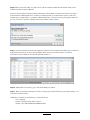
When these database updates are available, 'U' symbol will be displayed at the bottom of the screen
The updates can be accepted by clicking on the 'U' symbol. The application will be restarted to accept the
new updates
You can click 'Check for Updates' under 'Help' menu any time to check the availability of database
updates
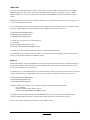
Menu: Help: Activate License
•
•
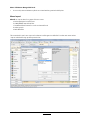
When you install MProfit, it will work as a 30 day trial version. After the trial period, your trial license will
expire and will work with limited functionality. To activate the license for fully functional use, please go to
http://www.mprofit.in/buy/ and purchase an MProfit yearly license. You will receive the Activation Key
by email.
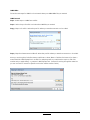
To activate the license go to the Help Menu and select Activate License. In the Activation Key box enter
the Activation Key sent to you and click "Activation License". The software will be activated with full
functionality for the length of the license.
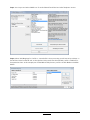
Menu: Help: License Management
•
•
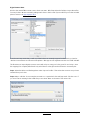
If you upgrade or format your computer, you will need to enter a new activation key that can be obtained
by emailing MProfit Support at support@mprofit.in
Once we receive the email, we will send you instructions on how to enter the new activation key.
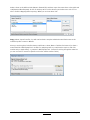
Menu: Help: About
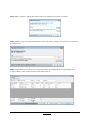
The About screen shows the current version number and build of the software.
Other Features
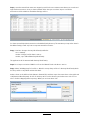
Many features are available by right clicking the mouse on certain areas of the screen.
• Income
• Tax Calculator
• Last Transactions
• Set Current Prices (there are various ways to set current prices for different assets)
• Show Previous Name
• Back-up feature (Weekly/Monthly)
MProfit User Manual
Back to Index
Page 31