1
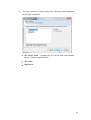
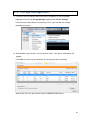
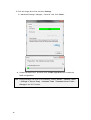
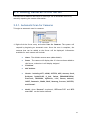
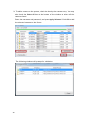
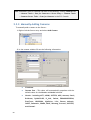
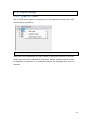
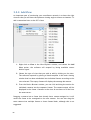
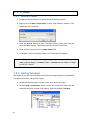
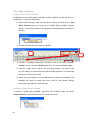
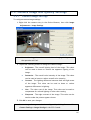
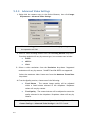
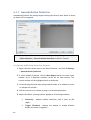
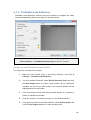
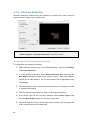
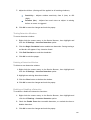
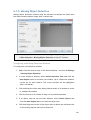
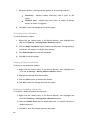
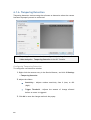
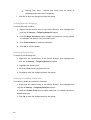
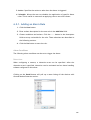
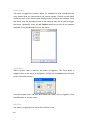
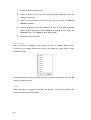
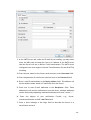
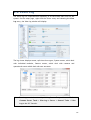
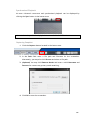
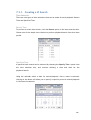
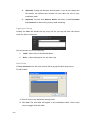
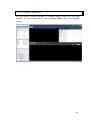
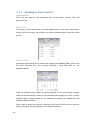
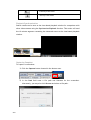
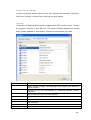
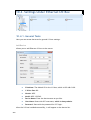
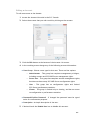
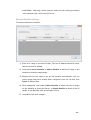
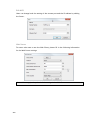
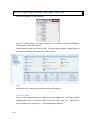
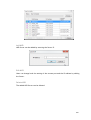
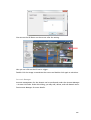
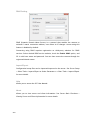
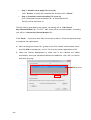
Editing an Account To edit an account to the domain: 1. Access the Account List node in the SCC Console. 2. Select the account that you wish to edit by clicking on the account. 3. Click the Edit button at the bottom of the Account List screen. 4. In the resulting screen change any of the following account information: User Group – Selects a user type for this user. There are four options: o Administrator – This group has complete management privileges, including account and SCC/NVR Server management rights. o Power User – This group has complete account management rights, but does not have many SCC/NVR Server configuration rights. o User – This group has no configuration rights and limited SCC/Server performance statistics. o Viewer – This group is limited only to viewing, and has no access to configuration or performance statistics. Password/Confirm Password – If changed the password must be typed twice for confirmation purposes. Description – A simple description of the user. 5. If desired check the Disable User box to disable this account. 261