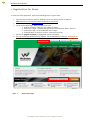
1
15
Webstac User Guide
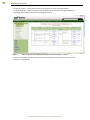
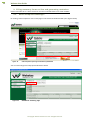
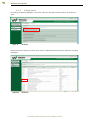
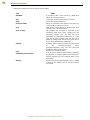
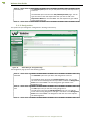
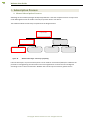
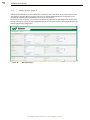
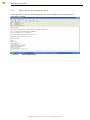
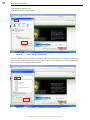
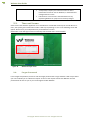
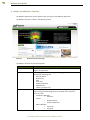
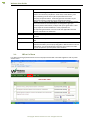
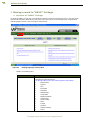
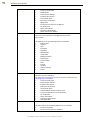
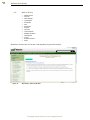
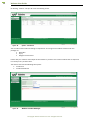
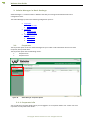
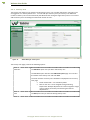
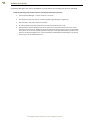
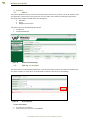
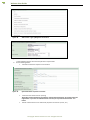
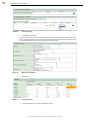
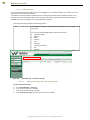
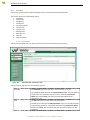
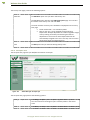
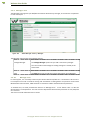
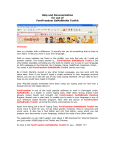
On clicking “About”, a list of tasks /Action points appears as shown in following Figure
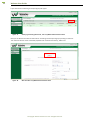
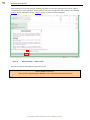
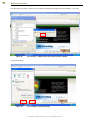
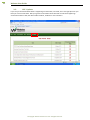
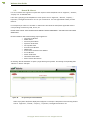
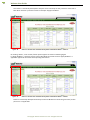
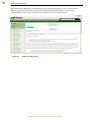
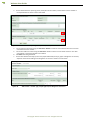
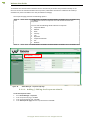
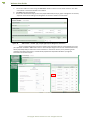
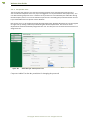
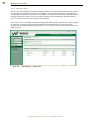
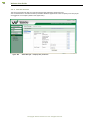
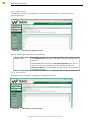
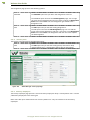
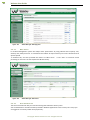
If “Apply & Obtain” is selected, it gives a list of Acts/Rules for which the task “Apply & Obtain” is
applicable appears & also shows corresponding information.
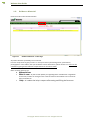
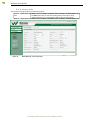
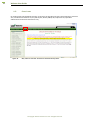
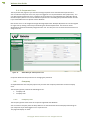
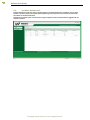
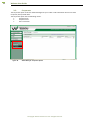
Figure 7.
Index on Factories Act and State Factory Rules in Round and About – “About”
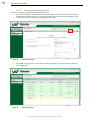
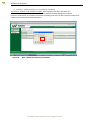
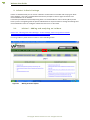
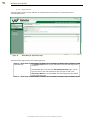
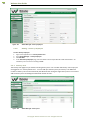
Feature is exclusively developed to directly see the Act & Rules for which the given Task / Action
points etc. are applicable.
©Copyright Webstac Software Pvt. Ltd. All Rights Reserved.