1
110
Webstac User Guide
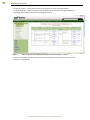
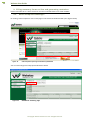
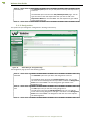
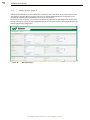
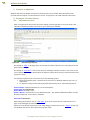
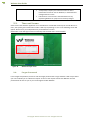
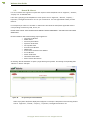
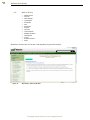
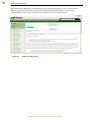
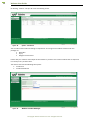
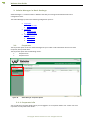
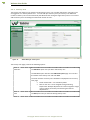
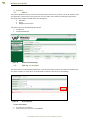
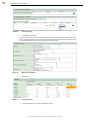
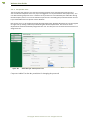
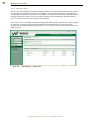
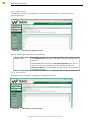
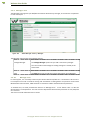
Figure 111.
Admin Manager- Factory Employee
3.3.6.
Adding a factory employee
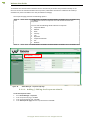
To add a factory employee
1.
2.
3.
4.
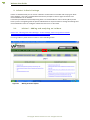
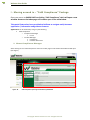
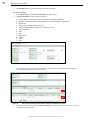
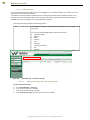
Login to the application as a “Factory Admin user”.
Go to Admin Manager > Factory Employee
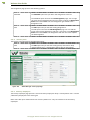
Click Add New.
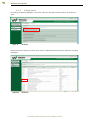
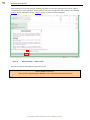
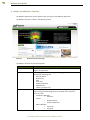
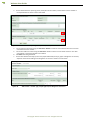
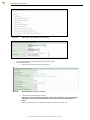
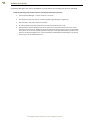
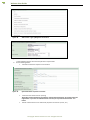
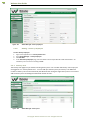
In the Add Factory Employee page, fill in the details in all the required fields. Fields marked with * are
mandatory. You can save it on clicking on Save.
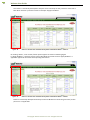
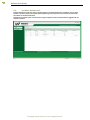
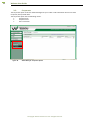
3.3.7. Factory User
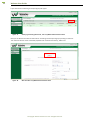
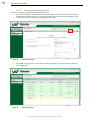
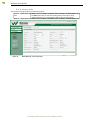
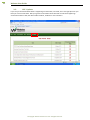
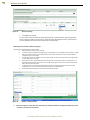
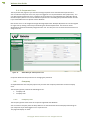
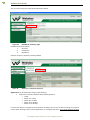
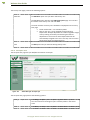
The Factory User page lets you view the existing factory users. You can add new factory users only if you
are logged in as a “Factory Admin user”. You can add upto 4 factory users per factory. The additional
number of factory users can be selected by the Administrator during the registration process. You cannot
add the factory users exceeding the authorised number of users.
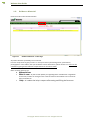
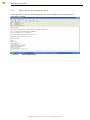
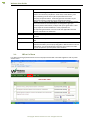
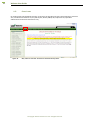
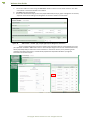
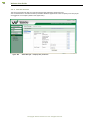
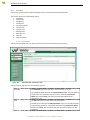
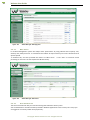
Figure 112.
Admin Manager- Factory User
©Copyright Webstac Software Pvt. Ltd. All Rights Reserved.