1
Multicore Debugging
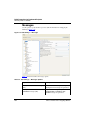
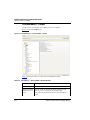
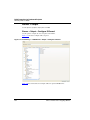
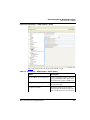
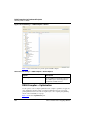
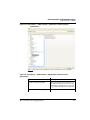
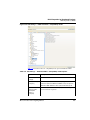
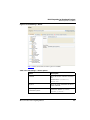
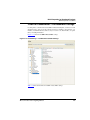
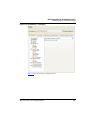
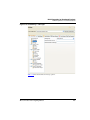
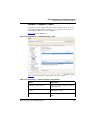
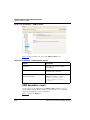
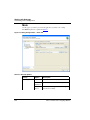
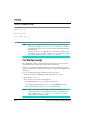
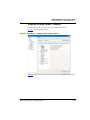
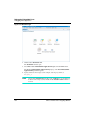
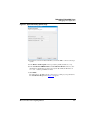
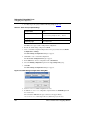
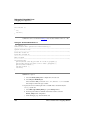
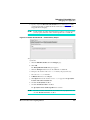
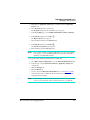
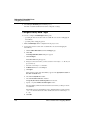
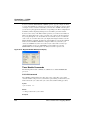
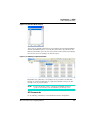
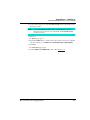
Debugging Multicore Projects
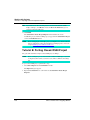
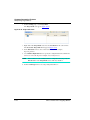
NOTE
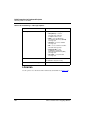
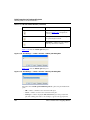
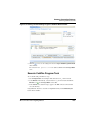
The keyboard shortcut for the Multicore Resume operation is Shift-F8.
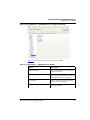
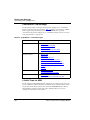
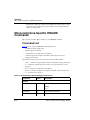
Multicore Commands in Debugger Shell
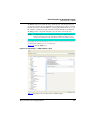
In addition to the multicore-specific toolbar buttons and menu commands available in the
Debug view, the Debugger Shell has Multicore specific commands that can control the
operation of one or more processor cores at the same time. Like the menu commands, the
Multicore debugger shell commands allow you to select, start, and stop a specific core.
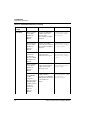
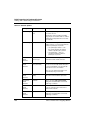
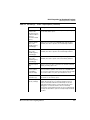
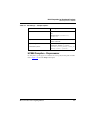
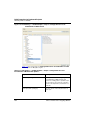
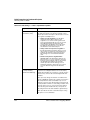
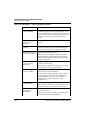
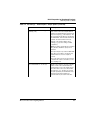
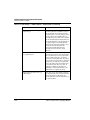
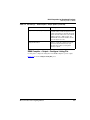
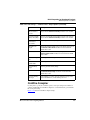
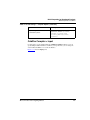
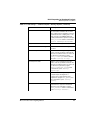
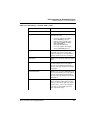
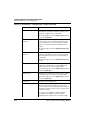
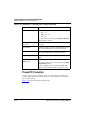
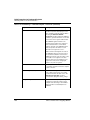
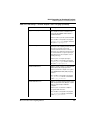
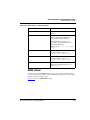
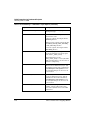
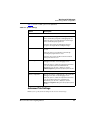
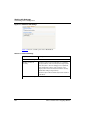
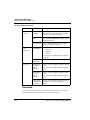
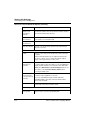
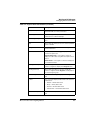
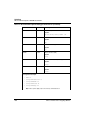
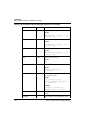
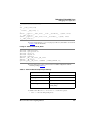
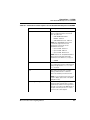
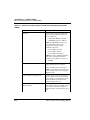
You can also restart or kill sessions executing on a particular core. Table 5.2 lists and
defines the affect of each Multicore debugging command.
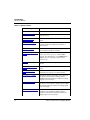
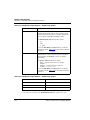
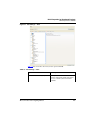
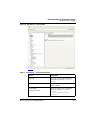
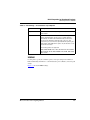
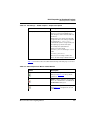
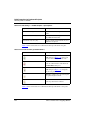
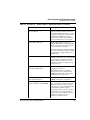
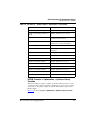
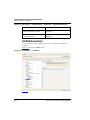
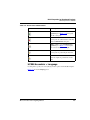
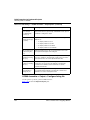
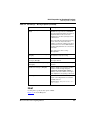
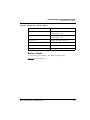
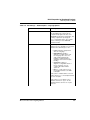
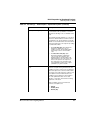
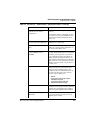
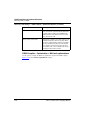
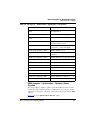
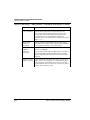
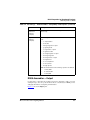
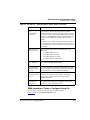
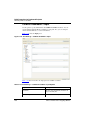
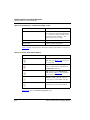
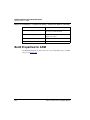
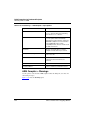
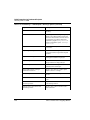
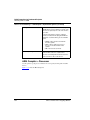
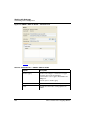
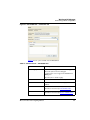
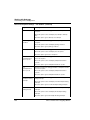
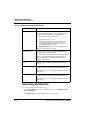
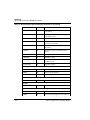
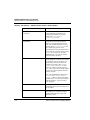
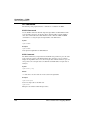
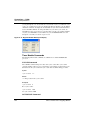
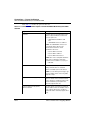
Table 5.2 Multicore Debugging Commands
Command
Shortcut
Description
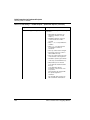
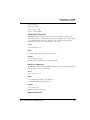
mc::go
mc::g
Resume multiple cores
Syntax
go
Examples
mc::go
Resumes the selected cores associated with the
current thread context.
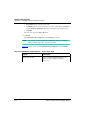
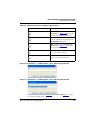
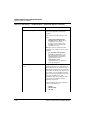
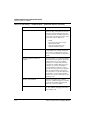
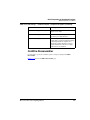
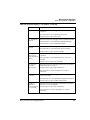
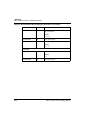
mc::kill
mc::kill
Terminates the debug session for selected cores
associated with the current thread context.
Syntax
mc::kill
Examples
mc::kill
Terminates multiple cores.
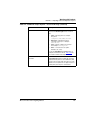
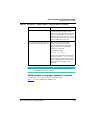
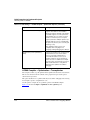
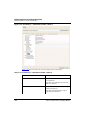
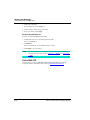
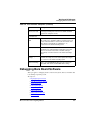
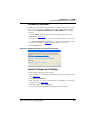
mc::restart
mc::restart
Restarts the debug session for selected cores
associated with the current thread context.
Syntax
mc::restart
Examples
mc::restart
Restarts multiple cores
Microcontrollers V10.x Targeting Manual
669