1
Note:
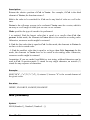
Formulas using this function have to be entered as an array formula (see section
“Working with arrays”, page 424).
Example:
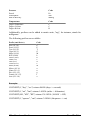
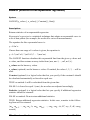
To solve the following linear system of equations ...
2x + 3y = 4
2x + 2y = 8
... use the following formula:
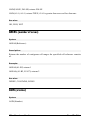
MSOLVE({2,3;2,2}, {4,8})
The result is the vector {8;-4}, which means that x=8 and y=-4.
See also:
Section “Working with arrays” (page 424), MDETERM, MINVERSE, MMULT,
TRANSPOSE
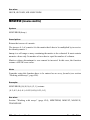
MULTINOMIAL (multinomial coefficient)
Syntax:
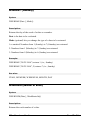
MULTINOMIAL(Number1 [, Number2, Number3 ...])
Description:
Returns the multinomial coefficient of a set of numbers.
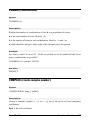
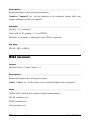
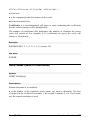
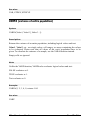
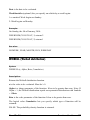
Number1, Number2, etc., are the numbers to be evaluated. All of them have to be
1.
Example:
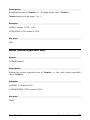
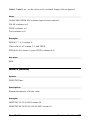
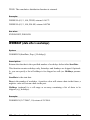
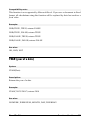
MULTINOMIAL(1, 2, 3, 4, 5) returns 37837800
596 Formulas and functions
Manual PlanMaker