1
Appendix
Firmware Upgrade Procedure
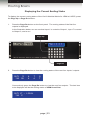
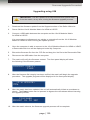
Upgrading using the Web interface
IMPORTANT: DO NOT power-off or disconnect the AC power cord
from the matrix, at any time, during the firmware upgrade process.
1.
Download the firmware update from the Support section of the Gefen Web site.
2.
Extract the firmware file from the .ZIP file.
3.
Power-ON the 16x16 Modular Matrix for HDMI w/ HDCP.
4.
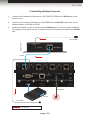
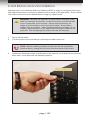
Connect an Ethernet cable between the matrix and the computer running the Web
interface.
It is unnecessary to disconnect any cables or extenders from the 16x16 Modular
Matrix for HDMI w/ HDCP during the update process.
5.
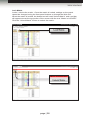
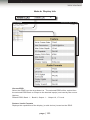
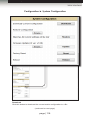
Click the Configuration tab in the Web interface and click the Browse... button under
the System Configuration section.
6.
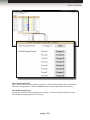
Select the firmware file and click the Update button.
7.
The matrix will display a prompt to verify that the current firmware will be overwritten.
Click the OK button on the dialog box to begin uploading the firmware file.
8.
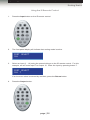
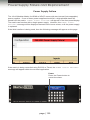
Once the firmware file has been uploaded, the matrix will verify the firmware content.
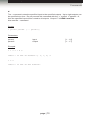
The front-panel display will display the following if the firmware passes:
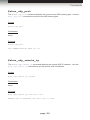
content check:
pass
9.
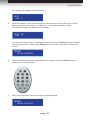
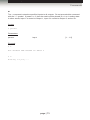
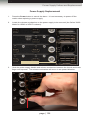
After the firmware file integrity has been verified, the matrix will begin the upgrade
procedure. The upgrade progress will be displayed in the front-panel display.
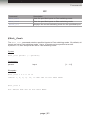
-F/W UPDATE35%
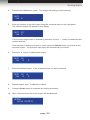
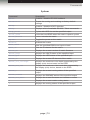
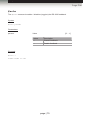
10. After the matrix has been updated, the unit will automatically initiate a countdown to
reboot. The Power button can be pressed to bypass the countdown without harming
the upgrade process. The display will display the following message:
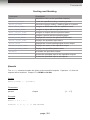
FINISHED
REBOOT IN 52 SEC
11. After the matrix reboots, the firmware upgrade process will be complete.
page | 128