1
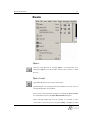
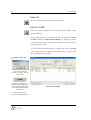
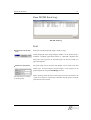
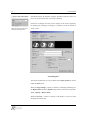
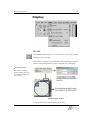
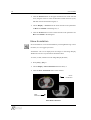
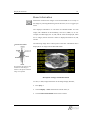
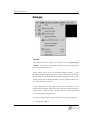
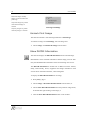
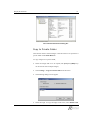
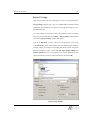
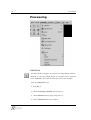
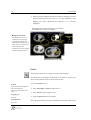
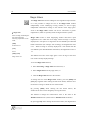
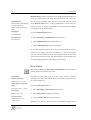
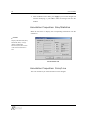
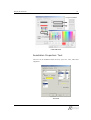
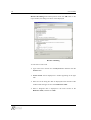
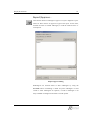
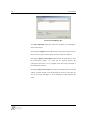
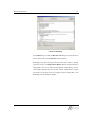
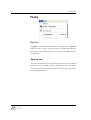
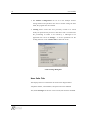
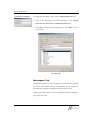
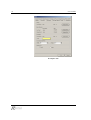
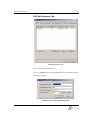
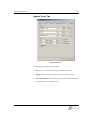
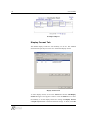
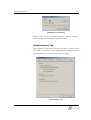
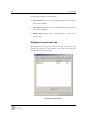
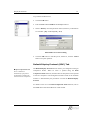
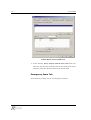
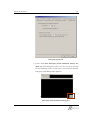
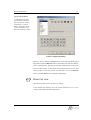
Display Workstation 15 View DICOM Send Log… DICOM Send Log Print Print menu from the main menu Prints the currently displayed images on film or paper. Images displayed in the Image Display Window can be printed using a Windows compatible paper-based printer or a DICOM compliant laser film printer. The report for the selected images can also be printed on a paper-based printer. Film Printer Information The print range can be selected, and changes can be made to the film format type. All exam images, selected images, or key images can be printed separately using the Print Range function. Before printing, check the names of the printers that are connected to the Select the name, size and type for the film printer. system. If no printer is connected as a Windows System printer, the paper print function will not work.