1
Chapter 3
Xmath
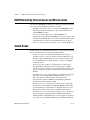
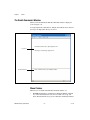
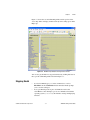
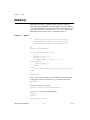
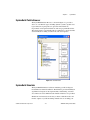
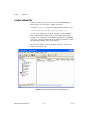
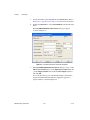
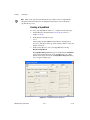
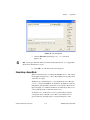
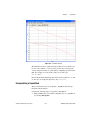
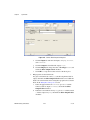
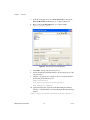
Figure 3-3 shows the second online Help window with a portion of the
online Help index on display. Double-click any item to bring up its online
Help topic.
Figure 3-3. MATRIXx Help Window Showing Portion of Index
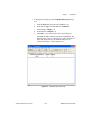
You can also get the index for any particular letter by clicking that letter at
the top of the online Help window shown in Figure 3-3.
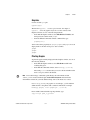
Stopping Xmath
•
To exit from Xmath type quit in the command area or select
File»Exit from the Commands window menu bar. Xmath prompts
you to save the workspace.
•
To stop an Xmath operation, press <Ctrl-Break>. Notice that
<Ctrl-Break> cannot interrupt a process in communication with the
operating system (load, save); this includes creating and displaying
windows.
© National Instruments Corporation
3-7
MATRIXx Getting Started Guide