1
4-Channel Digital Video Recorder
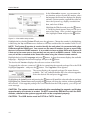
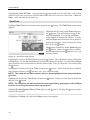
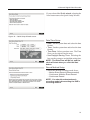
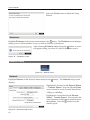
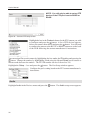
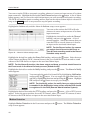
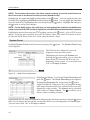
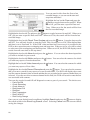
Highlight the box beside the input and press the
button. A list of cameras appears, and you
can select which camera you want associated
with that audio input.
Highlight Enable Audio-Out and press the
button. This toggles between enabling and
disabling audio out.
NOTE: The DVR will NOT record audio
when the recording speed is set to less
than 1 ips.
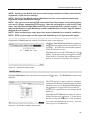
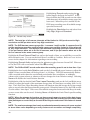
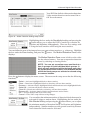
Figure 30 Audio setup screen.
Alarm-Out
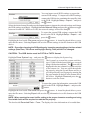
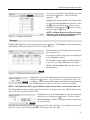
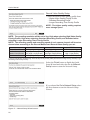
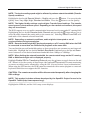
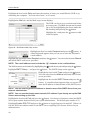
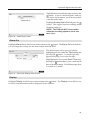
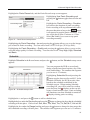
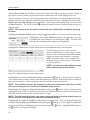
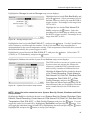
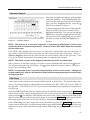
Highlight Alarm-Out in the Devices menu and press the button. The Alarm-Out screen allows
you to change the settings for the alarm output from the DVR.
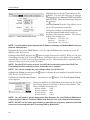
The alarm output can be given its title by
highlighting the box under the Title heading and
pressing the button. A virtual keyboard
appears allowing you to enter the title.
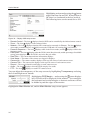
Highlighting the box beside Dwell Time and
pressing the button allows you to set the dwell
time of the alarm output. Dwell times range from
5 seconds to 1 minute.
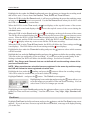
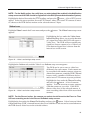
Figure 31 Alarm-Out Settings setup screen.
Display
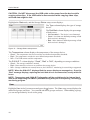
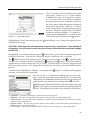
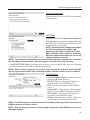
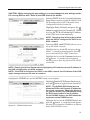
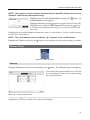
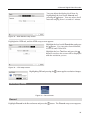
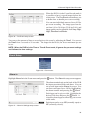
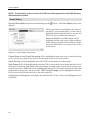
Highlight Display in the Devices menu and press the button. The Display screen allows you
to select what information will be displayed on the monitor.
33