1
WebUI
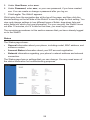
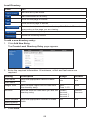
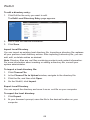
To edit a directory entry:
1. Click Edit for the entry you want to edit.
The Edit Local Directory Entry page appears.
2. Edit or add the desired information.
3. Click Save.
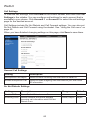
Import Local Directory
You can import an existing local directory file. Importing a directory file replaces
all your previous local directory entries. After importing a directory file, you can
add, edit, or delete entries as desired.
Note: Directory files are .xml files containing contacts and contact information.
For more information about creating or editing a directory file, consult your
system administrator.
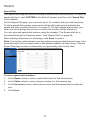
To import a local directory file:
1. Click Choose File.
2. In the Choose File to Upload window, navigate to the directory file.
3. Click the file, and then click Open.
4. On the WebUI, click Import.
Export Local Directory
You can export the directory and save it as an .xml file on your computer.
To export the local directory:
1. Click Export.
2. At your browser’s prompt, save the file to the desired location on your
computer.
69