1
Using the Phone
Making a conference call (continued)
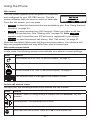
When you have an active call and a held call, you can also create a conference
with the held call.
To create a conference with a held call:
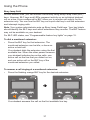
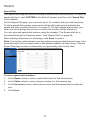
1. During a call, press t or u to view the ConfCall soft key.
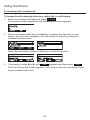
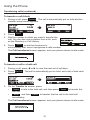
2. Press ConfCall . The call is automatically put on hold, and a Conf. with
target screen showing all calls on hold appears.
â
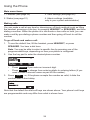
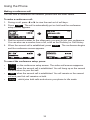
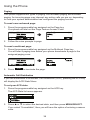
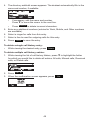
3. Highlight the desired call and press Select . You can now talk to the caller
you selected.
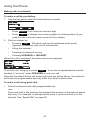
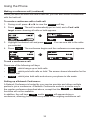
4. Press
Conf
. The conference begins and the conference screen appears.
â
To end a conference call:
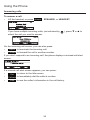
Press one of the following soft keys:
•
•
•
End
, which hangs up on both calls.
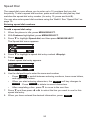
Split , which puts both calls on hold. The screen shows information for the
second call.
Bridge , which joins both calls and returns your phone to idle mode.
Setting up a Network Conference:
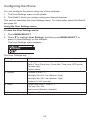
A Network Conference is hosted by your service provider and allows multiple
parties to join a conference. A Network Conference works in a similar way to
the regular conference described above, except that the Split and Bridge
functions will not be available.
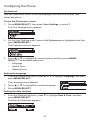
In addition, the soft keys Add and/or AddCall will appear during a
conference, allowing you to add more parties to the ongoing conference call.
33