1
69
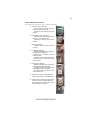
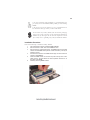
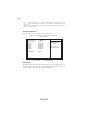
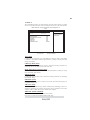
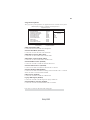
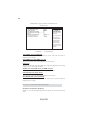
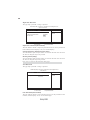
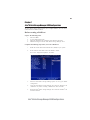
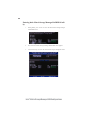
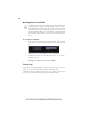
Deleting a RAID set
1.
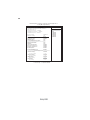
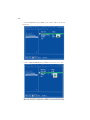
In the main Intel® Matrix Storage Manager RAID BIOS menu, highlight
Delete RAID Volume using the up/down arrow key then press <Enter>.
2.
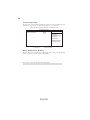
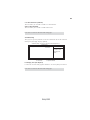
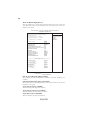
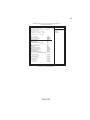
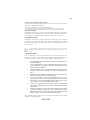
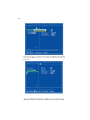
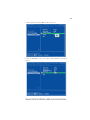
Use the space bar to select the RAID set you want to delete.
Press the <Del> key to delete the set.
3.
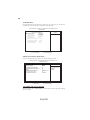
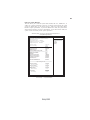
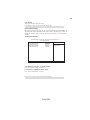
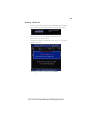
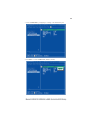
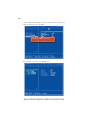
A dialogue box appears to confirm the action. Press <Y> to confirm;
otherwise, press <N>.
Pressing <Y> deletes all the data in the HDDs.
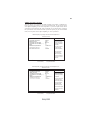
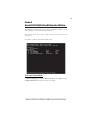
Intel® Matrix Storage Manager RAID Configurations