1
11
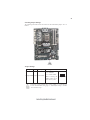
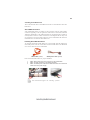
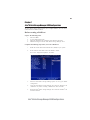
CPU Installation Procedure
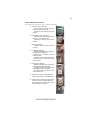
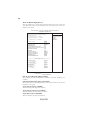
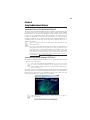
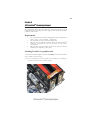
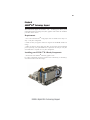
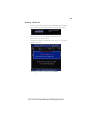
The following illustration shows CPU installation components.
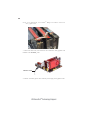
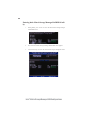
A. Opening of the Load Plate
· Put your thumb on the tail of the load
plate and press the tail down.
· Rotate the load plate to fully open
position.
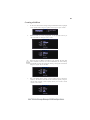
B. Disengaging of the Load Lever
· Hold the hook of lever and pull it to the
left side to clear retention tab.
· Rotate the load lever to fully open
position.
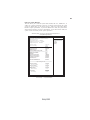
C. Removing the Cap
· Be careful not to touch the contact at
any time.
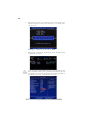
D. Inserting the Package
· Grasp the package. Ensure to grasp on
the edge of the substrate.
· Make sure pin 1 indicator is on your
bottom-left side.
· Aim at the socket and place the package
carefully into the socket by purely
vertical motion.
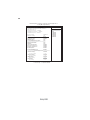
E. Closing the Load Plate
· Rotate the load plate onto the package
IHS (Intergraded Heat Spreader).
· Engage the load lever while pressing
down lightly onto the load plate.
· Secure the load lever with the hook
under retention tab.
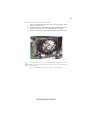
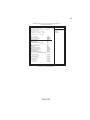
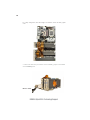
F. Fasten the cooling fan supporting base
onto the CPU socket on the motherboard.
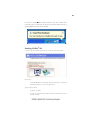
G. Make sure the CPU fan is plugged to the
CPU fan connector. Please refer to the
CPU cooling fan user’s manual for more
detail installation procedure.
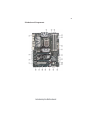
Installing the Motherboard