1
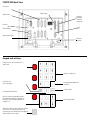
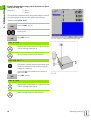
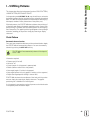
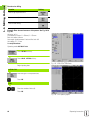
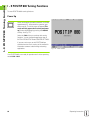
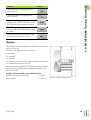
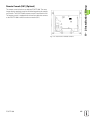
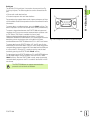
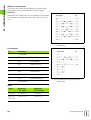
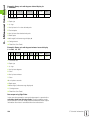
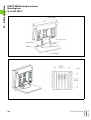
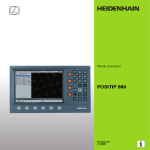
POSITIP 880 Back View
Axis ports
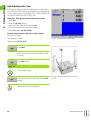
Edge finder
Parallel port
Auxiliary
Machine
Interface
connector
Ground
Serial
port
Power button
Main power input
Remote
console
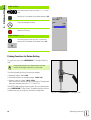
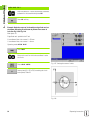
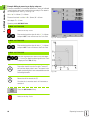
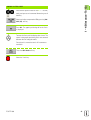
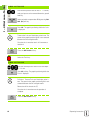
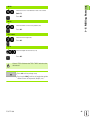
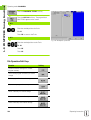
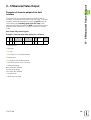
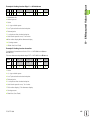
Keypad and soft keys
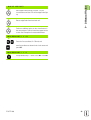
4 axis keys to select between X, Y
and Z axes
Numeric input keys
Clear entry or
error messages
Change negative/positive
value key
Confirm entry
Incremental dimensions
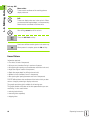
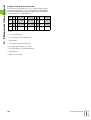
Keys for selecting operating mode
(for detailed description of these key
functions, see Operating Modes in
chapter I-2)
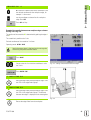
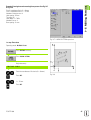
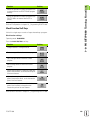
Soft keys - Row of keys under the screen
of the POSITIP whose functions vary
according to associated fields that appear
above them on the screen
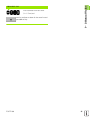
Select entry fields